m23 — Open Source
Network Deployment for Linux
Network Deployment for Linux
Nur einen Moment... / Just a moment...
Freie Software und Bürgerrechte benötigen Deine Aufmerksamkeit!
Handeln gegen Überwachungsstaat und Softwarepatente
Wenn Du auch in Zukunft in einem Staat leben möchtest, der nicht dem Überwachungsstaat aus "1984" gleicht, und/oder Du möchtest, dass weiterhin jede(r) Software entwickeln und vertreiben kann, gibt es verschiedene Möglichkeiten, sich zu engagieren. wir möchten Dir diese fünf Organisationen empfehlen:
Free software and civil rights need your help!
Act against police state and software patents
If you don't want to live in a state à la "1984" and you want that development and distribution of software should remain legal for everyone, then you have different possibilities to get into the act. We would like to recommend these five organisations:





A long time it was silent about m23 because the exasperating software patent issue engaged me a lot and there were some things I wanted to change before a new m23 release.
And now the most important changes:
The ISO for burning the server installation CD can be found HERE.
And now have fun while testing!
And now the most important changes:
Hardware+detection
If the hardware of the client changes it will be detected and integrated after the next system start. This should work with sound and grafic cards as well as with mice and keyboards.Hello mouse, where are you?
The new version has got a new hardware detection routine (hopefully not only working on my machine) that should detect all mice now. [DEVELOPER TALK = ON] The newer versions of libkudzu have problems with the detection of PS/2 mice. Thus I combined a new libkudzu with the older PS/2 routines and it worked after the mousedev module was loaded.[DEVELOPER TALK = OFF]New update system
Furthermore, there is a new update function that makes it easier to create patches and update m23 servers. In the past, I made only few updates because it was exhausting and error-prone to create patches by hand. With the new system, patches are built almost automatically and should ensure that bugs are eliminated faster. I want to test this new function in this pre-release and hope for a lot of bug reports (please post in the forum) ;-)Misconfiguration impossible
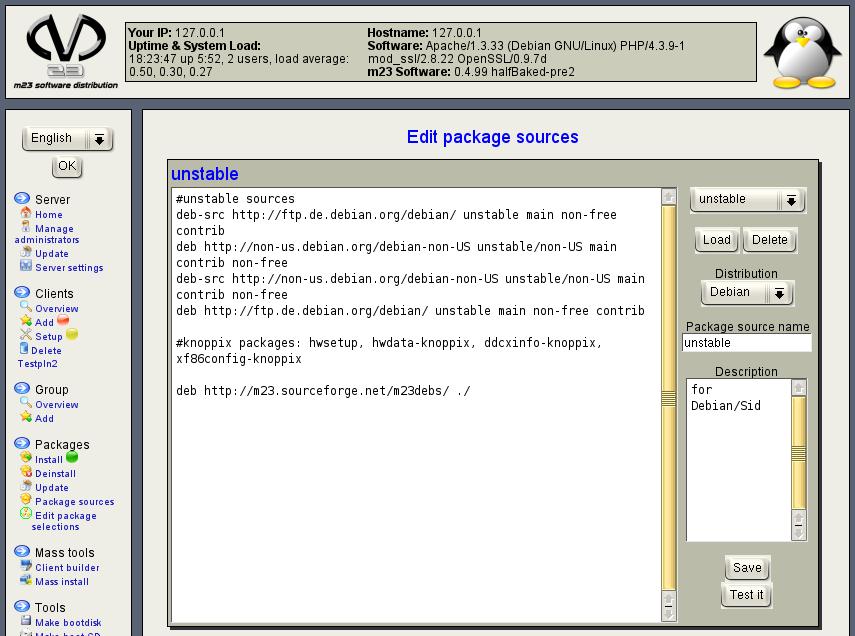
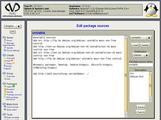
Further, it was difficult to get a working combination composed of distribution, release and desktop. It was easy to combine Woody with a KDE 3 desktop. This couldn't work because there is no KDE 3 in Woody. The versed administrator defines the working desktops for a package source in the new package source dialog. When you want to assign a desktop to a client, only the working desktops are shown according to the package source.Installation à la CD
There is now a script to convert Debian CDs into a package installation pool because of a request whether it is possible to use Debian CDs for installation of m23 clients and because I can use it for my presentation. A thus prepared m23 server can be used without internet connection to install m23 clients.Help
All help texts were revised and were changed over to a new consistent layout. The manual is now generated with a new tool with better support for french special characters.Trivia
- Enhanced Gnome2 support
- New for debian packages optimised squid configuration
- MDK: Automatic import of the newest Knoppix tools
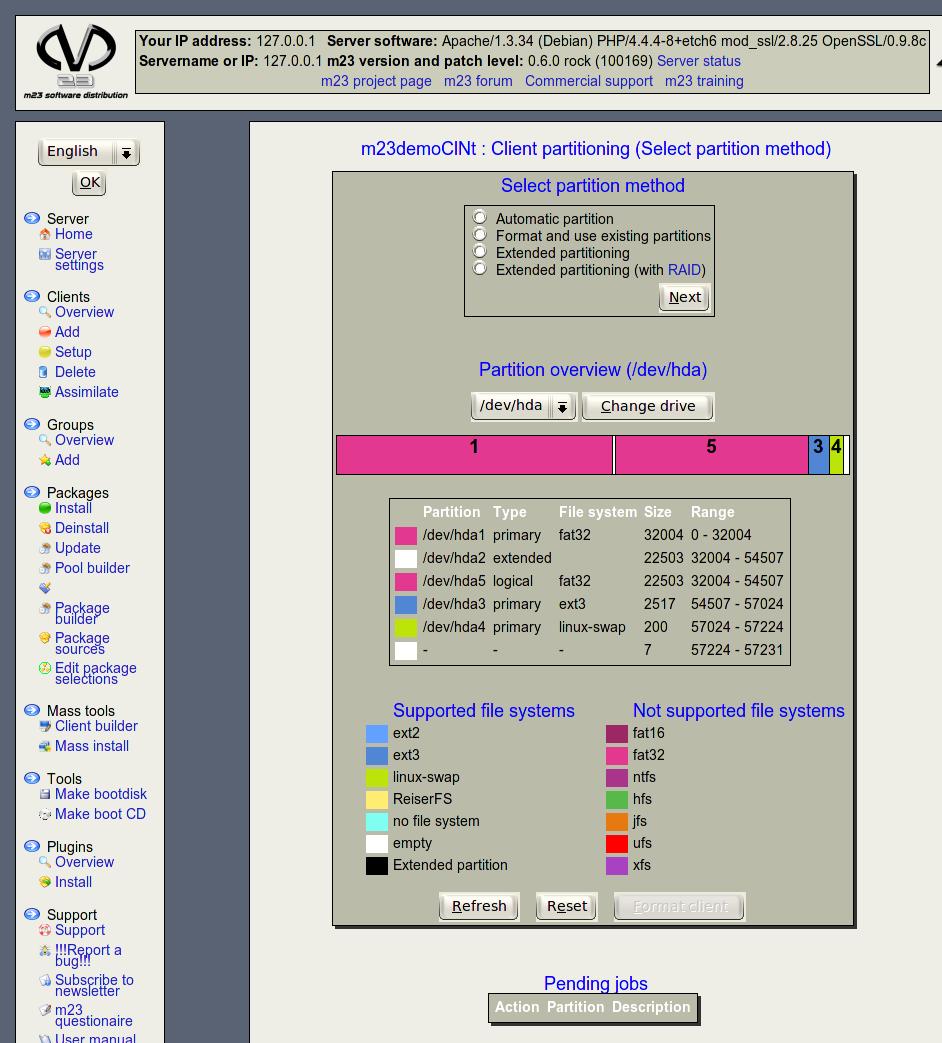
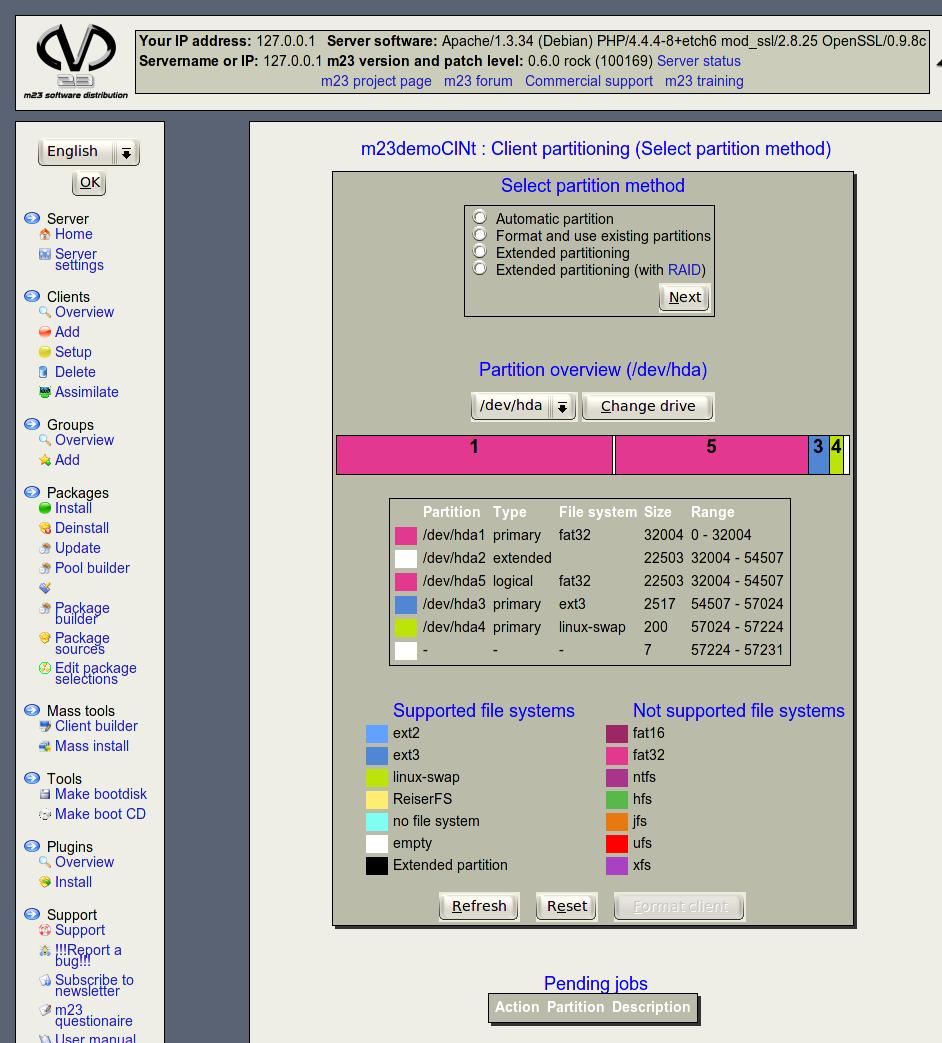
- Existing partitions can now be formatted and used for installation
- And a lot of trivia and bugfixes that would only be boring for most people. Have a look at the changelog if you are interested in details.
The ISO for burning the server installation CD can be found HERE.
And now have fun while testing!
| The year draws to a close and the 2004 reviews are springing up like mushrooms. 2004 was a successful year for m23 beneath some ups and downs on political level (keyword: software patents). On this account this is the first review after 3 years of development. Because the nicest review is not worth, if there is nothing to act up ;-) |

|
Let's start with some numbers (of course sorted as of December 21th)

|
|
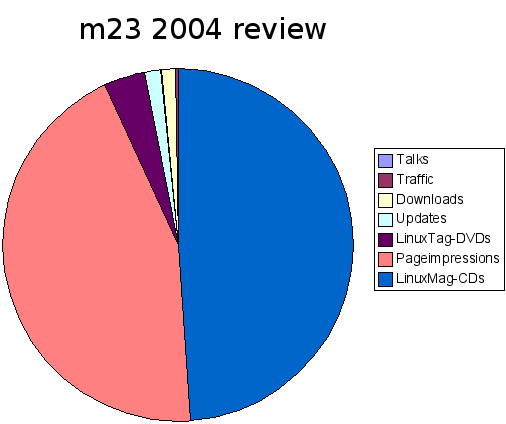
The year is illustrated in this diagramm.
Now let's have a look at some dates of the year 2004 after these impressing numbers (Along the way: the cross sum of these numbers is: 87):

|
On May the 21th was the LUG-Camp in Flensburg and because Flensburg is in the relative near, we decided to hol a speech about m23. The temper was really good (this may be due to the sponsoring of the local brewery). Our speech was adopted well (by all who were awake). |

|
The next date was 18th of June at "Tag der Technik" in the university of applied scients in Kiel. We had the possibillity to show m23 in action in an exibition in the refectory. Some professors and studends came to us and were "advised on" software distribution systems. And Kiel was fortunately even nearer for us. |

|
And of course we were from June 23th to 26th on the LinuxTag in Karlsruhe. We held a speech and a workshop in the DebianDay programm and an additional speech in the official and free series of lectures. Also we showed m23 as a subproject at the Debian booth. Florian Schiel and I (Hauke Goos-Habermann) read some of our B.A.f.H. short stories. Besides the exibition was a demonstration against software patents with about 1000 attendees. Of course we participated in the demonstration too! In the end software patents may affect our future (if they become legal) and the possibillity for all people to develop and distribute software. |
OT: B.A.f.H. & B.S.f.K.

|
Who ate my TCP/IP stack? Who nibbled from my email? And who slept in my hardisk? There must be behind it someone: A real bastard. And this bastard got a name: B.A.f.H. (Bastard Assistant from Hell). He hates all humans and in particular these, who keep him from his deserved lunch break from 10 a.m. to 4 p.m. by burnt out computers, deleted harddisks or handed in theses. Florian Schliel is the author of the B.A.f.H. short stories and has received recruitment by me. We gave two readings in the university of Kiel and on the LinuxTag. Solo I read on the LUG-Camp some of mine stories. Especially the reading at the LinuxTag in front of about 300 "freaks" was really good. May be the readings will be continued in 2005. There is available a (not fully converted (I simply don't find the time to do it)) live recording from the reading in Kiel under: http://www.bsfk.de.vu/. |
Internals
Besides the "visible" speeched there are fixed a lot of bugs in the shiver series in "secrecy". The next m23 series halfBaked was started and a lot of functions like mass installation and group management were added. The user interface got a face lifting and is now much colorful.
Forecast
|
What will happen with m23 in the next year? A good question! Something is kind of definite: We will take part in the LinuxTag in somehow or other. The final version 0.5 halfBaked will be presumably finished. It is probably, that there will be integrated an imaging and backup function. Perhaps LDAP support will be added. It would be nice to update the bootimages and installation to the 2.6.? kernel. The wishlist is of course endles. But there will be boot options for electric kettle in no case. Have fun in the next year! Hauke Goos-Habermann - Projectleader - |

|
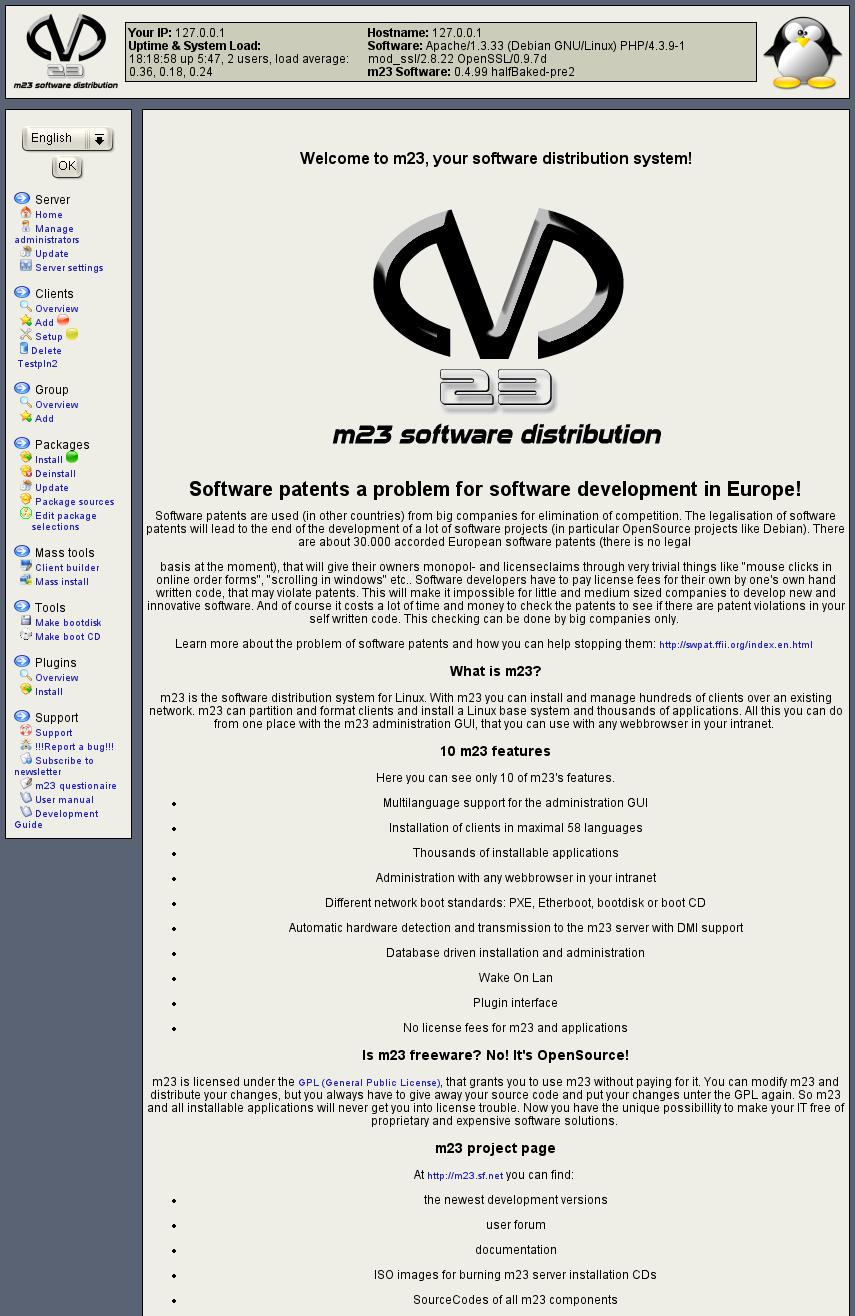
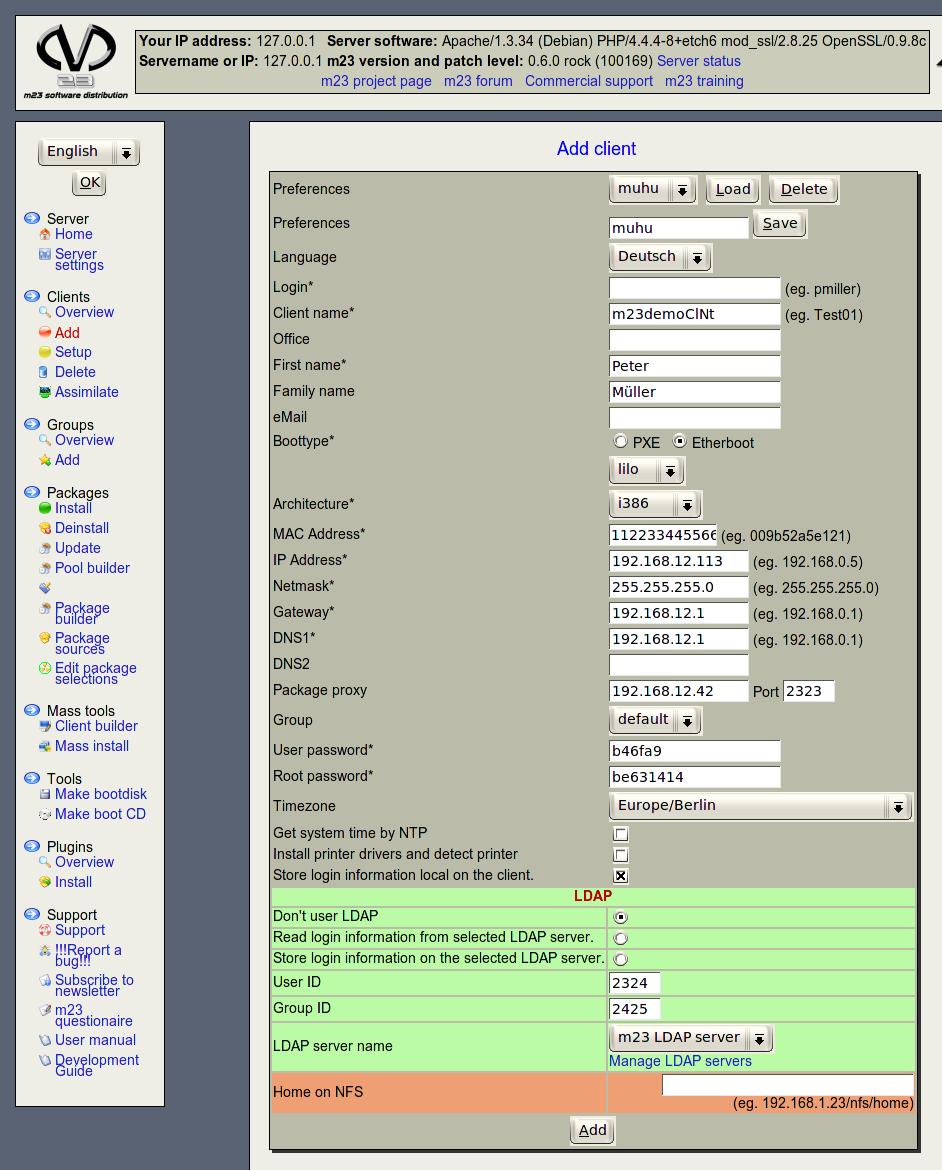
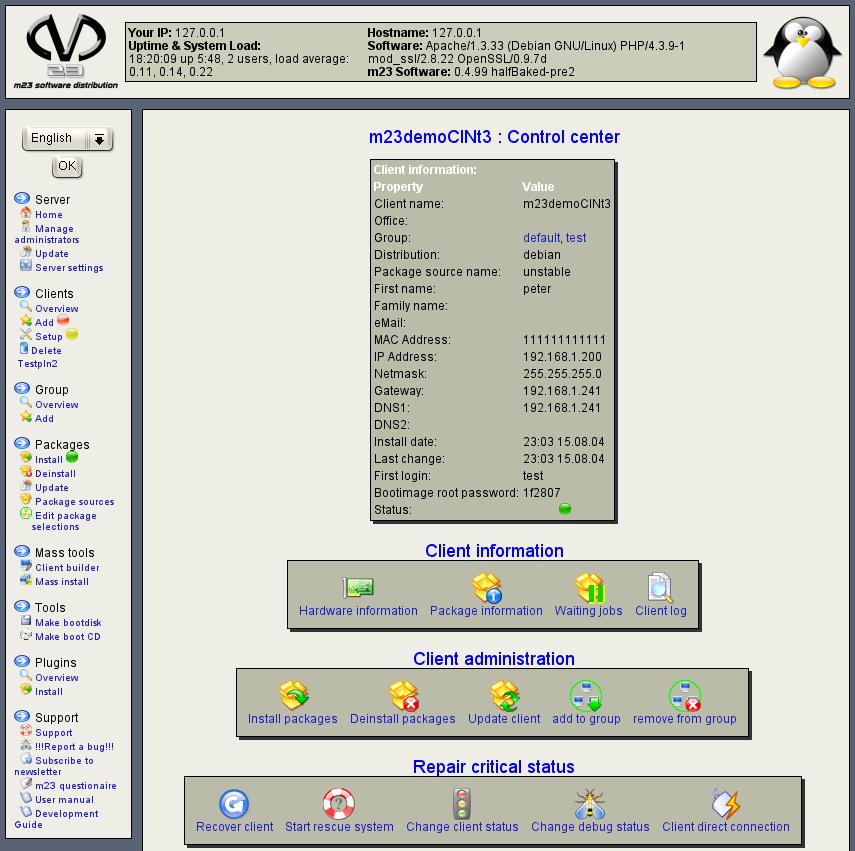
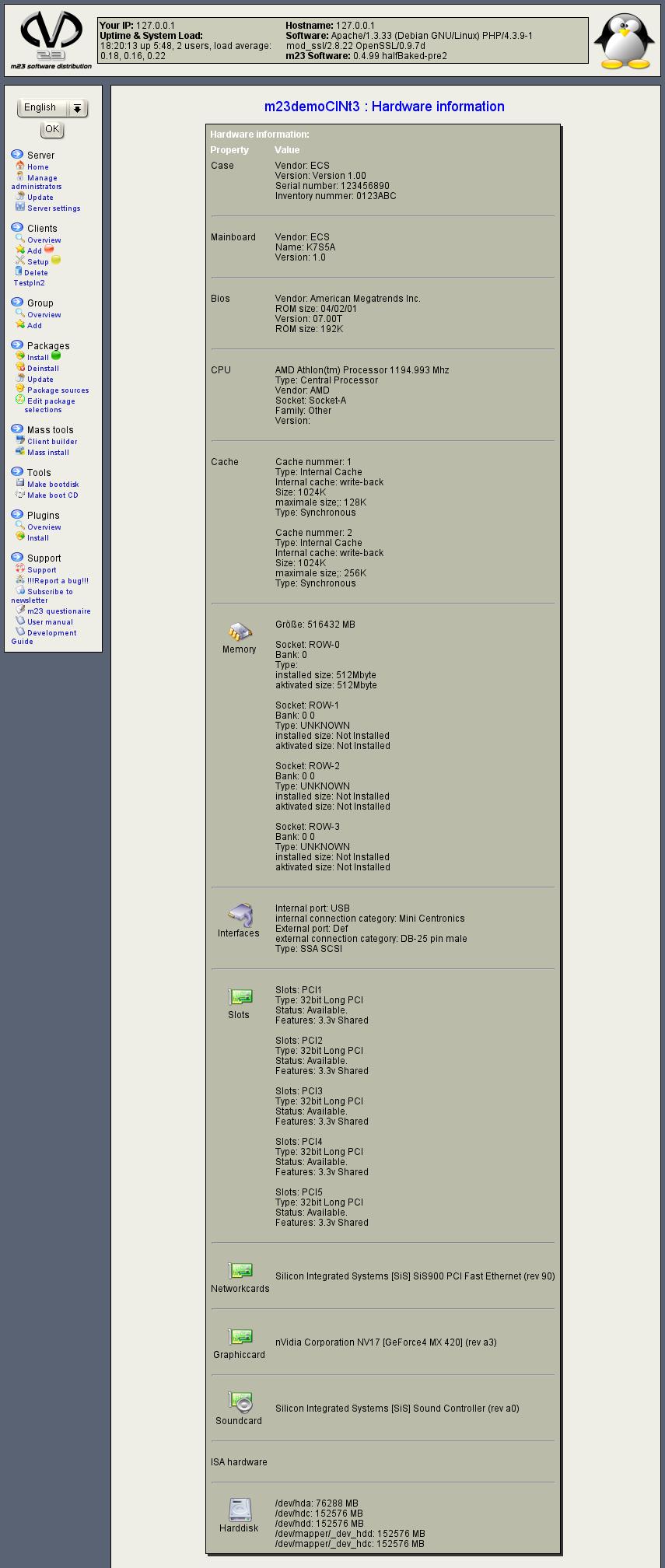
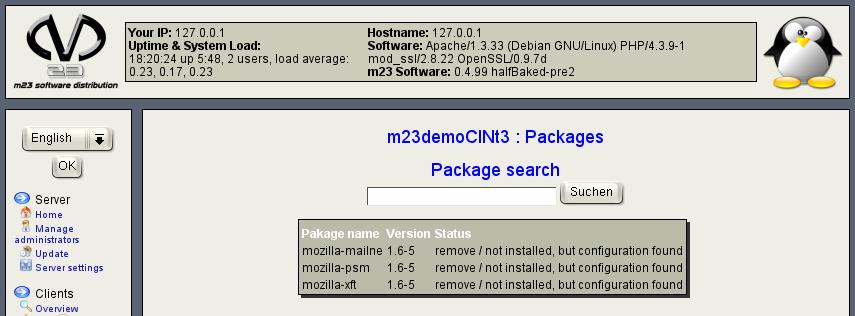
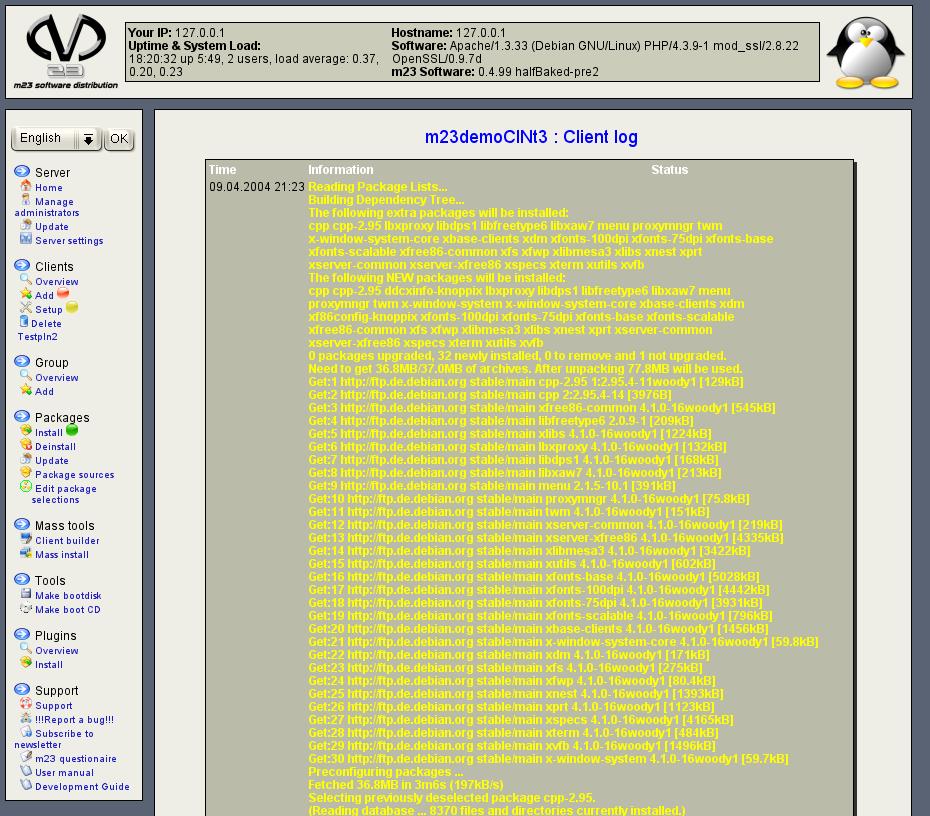
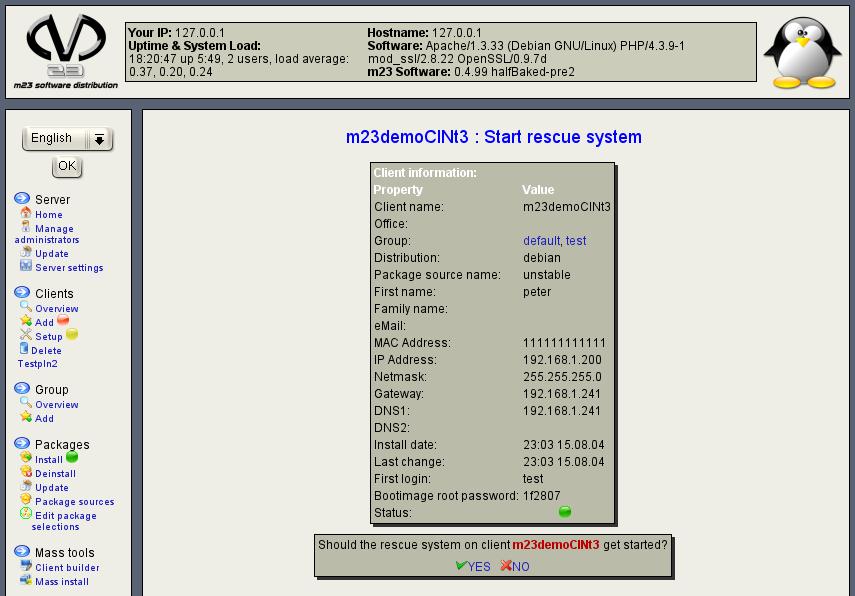
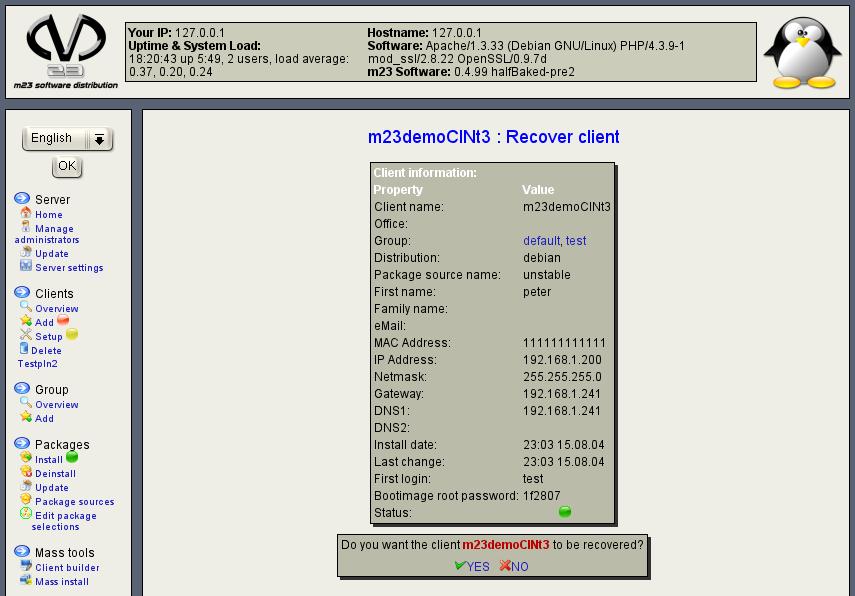
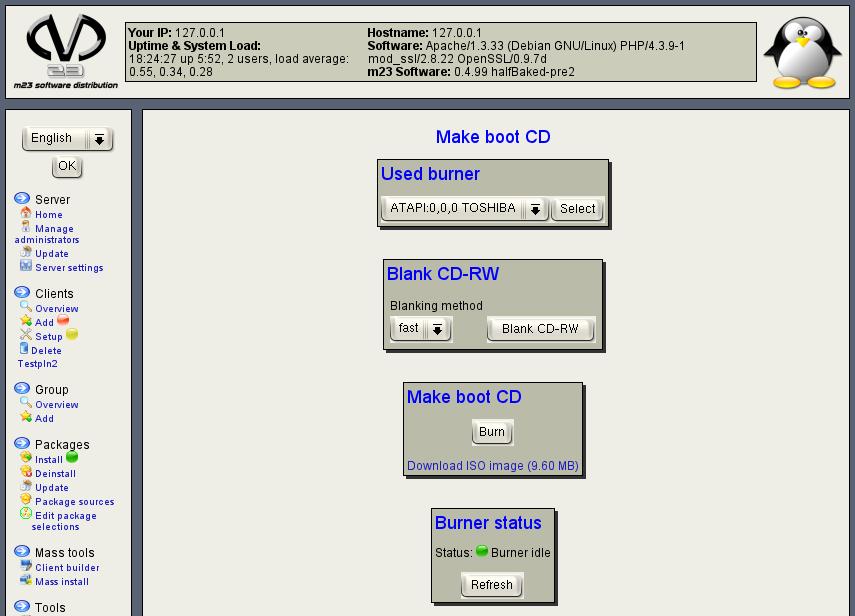
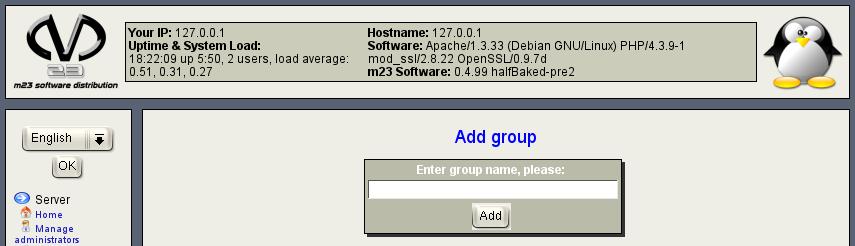
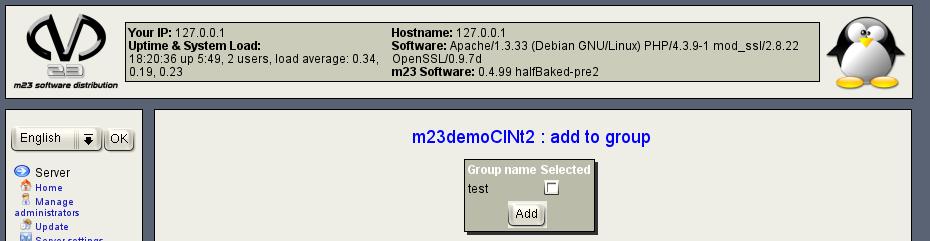
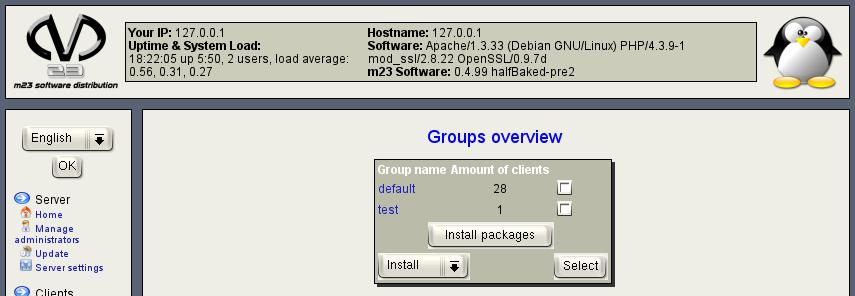
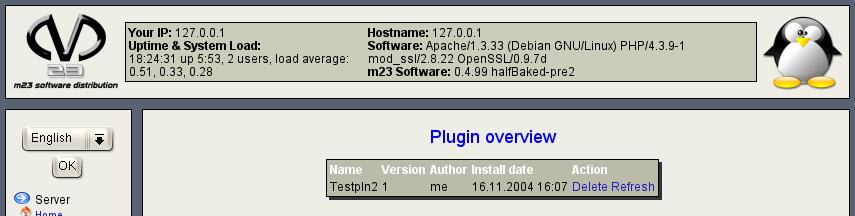
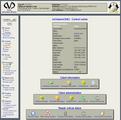
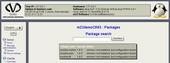
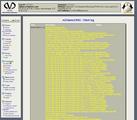
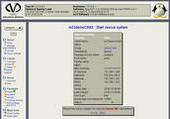
The screenshots of the halfBaked series are ready now. See them all at "read more".
Have fun!
Have fun!
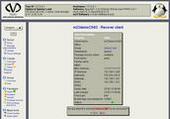
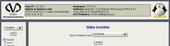
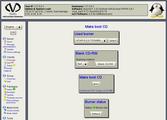
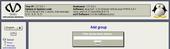
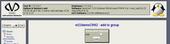
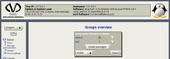
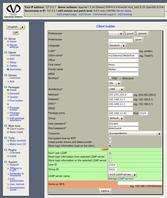
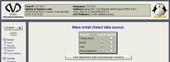
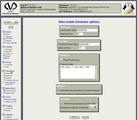
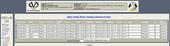
Because I don't want to recur, I don't start this release announcement with the words: "It has lasted a long time since the last release,..." ;-)
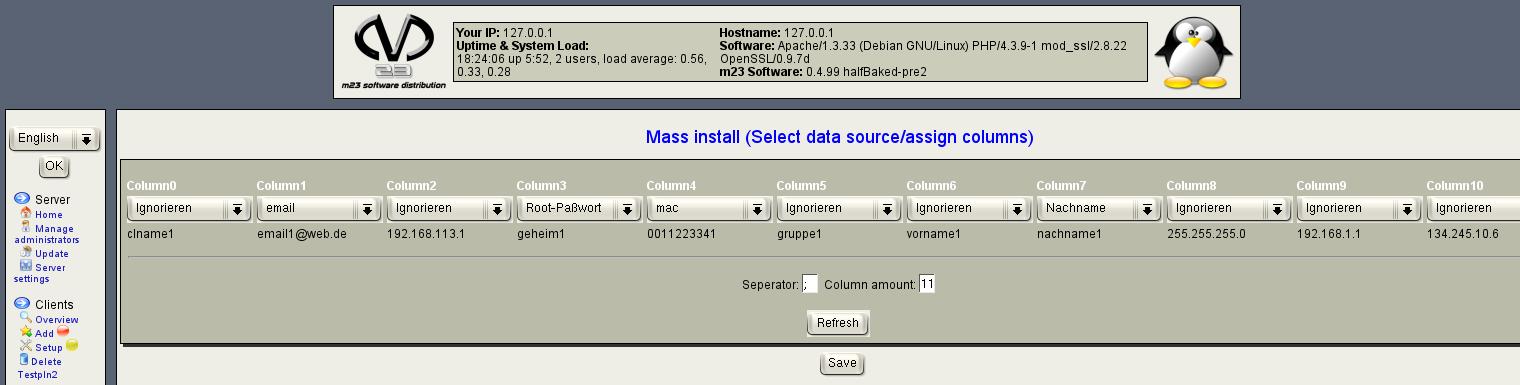
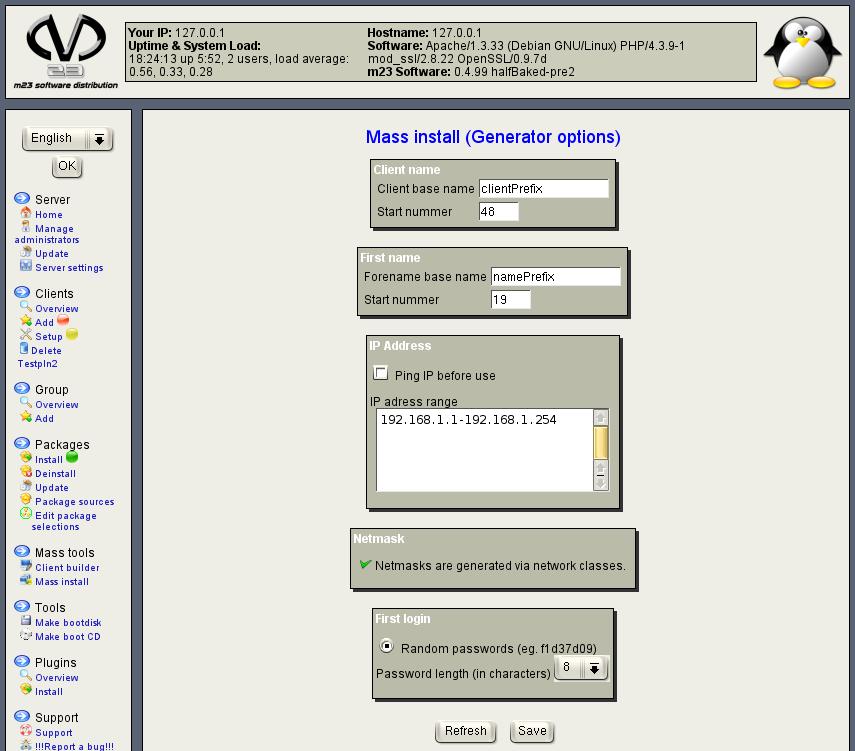
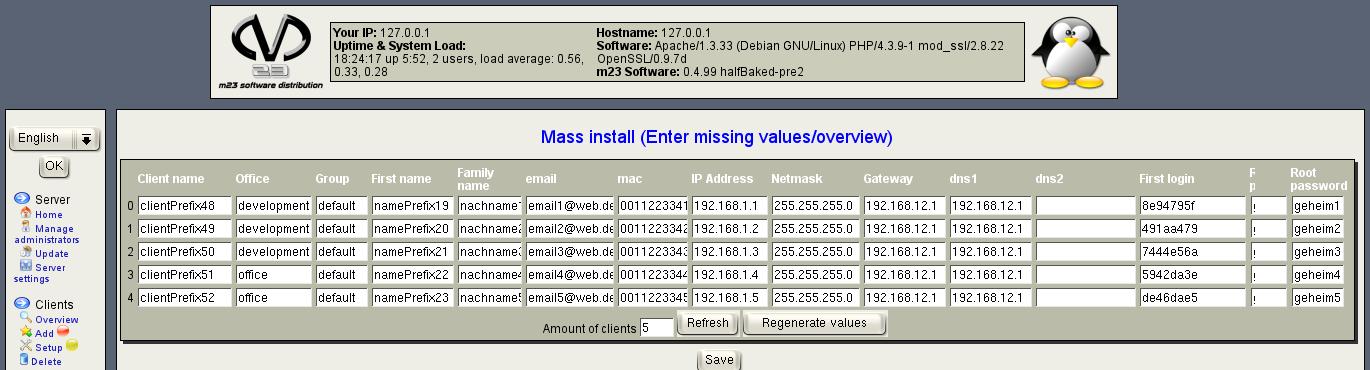
The most visible change to the last release is the mass installation tool, that allows you to add a huge number of similar clients. It is possible to install a complete package selection (e.g. KDE 3, OpenOffice, Mozilla, Evolution, ...) including the operting system, partition and formating on houndreds of clients. There is no problem, if the hardware differs between the clients. The particular of this mass instalation method is, that the complexity of adding the clients is impressivly reduced to adding each single client. ... (The remain can be found under "Read more...")
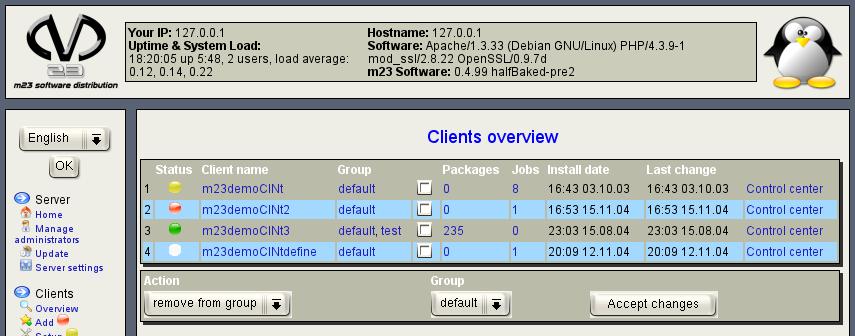
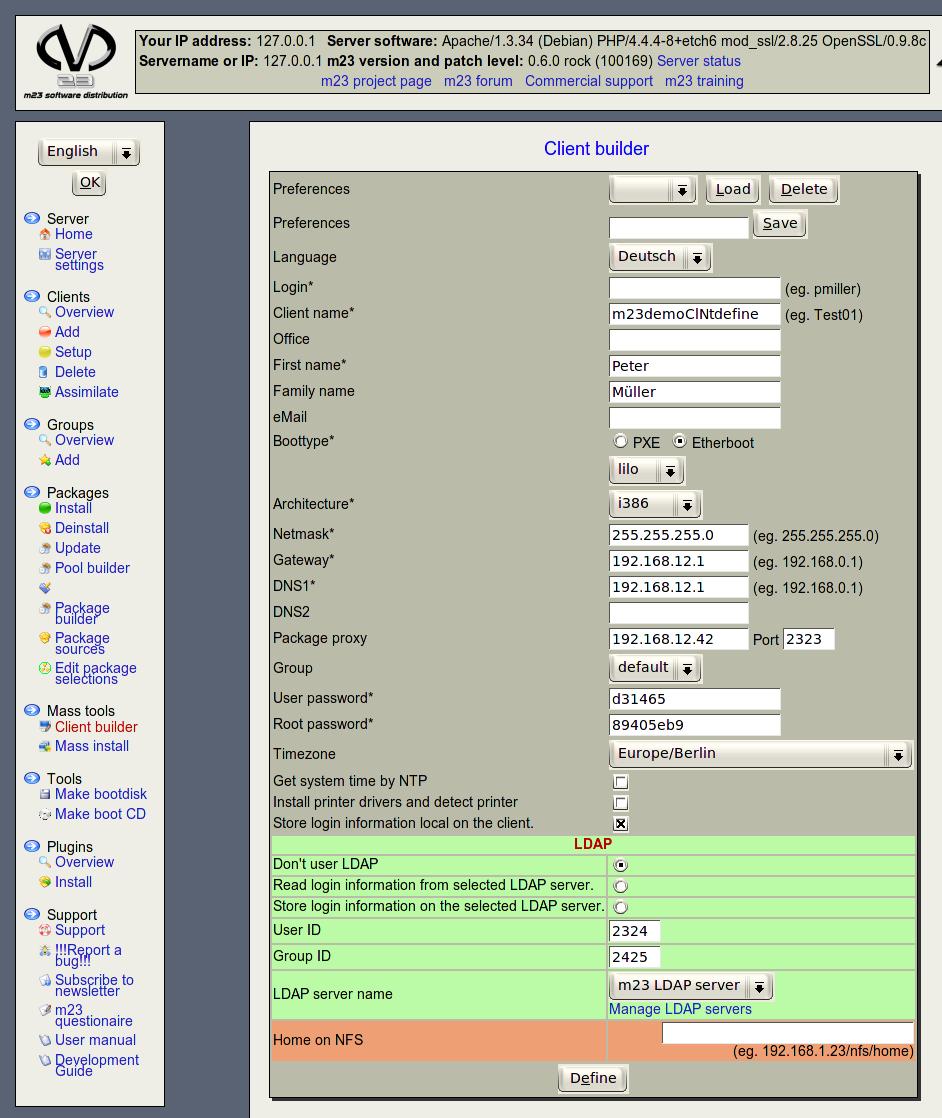
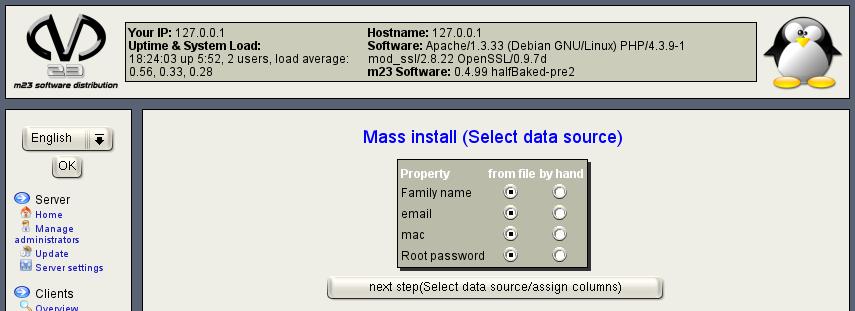
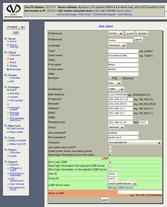
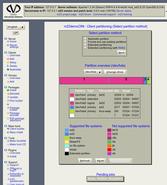
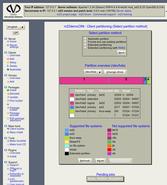
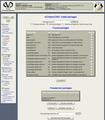
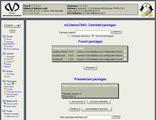
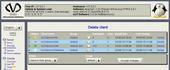
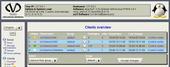
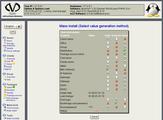
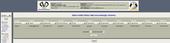
Screenshot of the overview and editing page for mass installations.
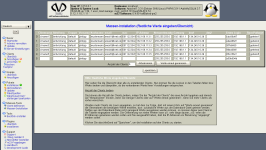
Click for a higher resolution version. You start your mass installation by defining a client, that hold the basic settings (partitioning, formating, the operating system and the packages to install). The settings are used as basis for the clients derived from this defined client. There are settings, that differ from client to client. E.g. the MAC address is individual for each client (You should talk with your network card dealer, if there are multiple cards with the same MAC address. ;-) ) There may be different types (keep the value from the defined client, enter or generate values) the to generate the individual values.
The entered values can be input by hand or read from a formated file. Other values can be generated by parameters. E.g. IP addresses in fixed ranges, that are not assigned to m23 clients or client names with a base name and incremental numbers at the end.
There are a lot of advantages, that can't be seen in the m23 administration interface. All partitioning and formating routines have been rewitten and are migrated to a new data format, that is capable for new demands. Another cause for changing the data format is, that I didn't understand the old by myself ;-) The update script on the server CD converts the partition data during the update progress.
The old partinfodb tool for reading the partitioning is replaced by the new m23hwscanner, that transfers the information SSL encrypted to the server. There are no direct write accesses over the network to thy MySQL database any more. 8-). genFstab is now integrated in m23hwscanner too.
SSL encryption should work now and secure the m23 administration interface and the communication btween client and server. A SSL certificate is now generated during the server installation.
And of course the general hundreds of error corretions and changes, that can't be mentioned here, because there is wonderful changelog.
The ISO for burning the server installation CD can be found HERE.
And now have fun while testing and remember, that this release is a development version. Please send bug reports, when you are finding bugs (that's what I'm worrying about :-( ).
The most visible change to the last release is the mass installation tool, that allows you to add a huge number of similar clients. It is possible to install a complete package selection (e.g. KDE 3, OpenOffice, Mozilla, Evolution, ...) including the operting system, partition and formating on houndreds of clients. There is no problem, if the hardware differs between the clients. The particular of this mass instalation method is, that the complexity of adding the clients is impressivly reduced to adding each single client. ... (The remain can be found under "Read more...")
Screenshot of the overview and editing page for mass installations.
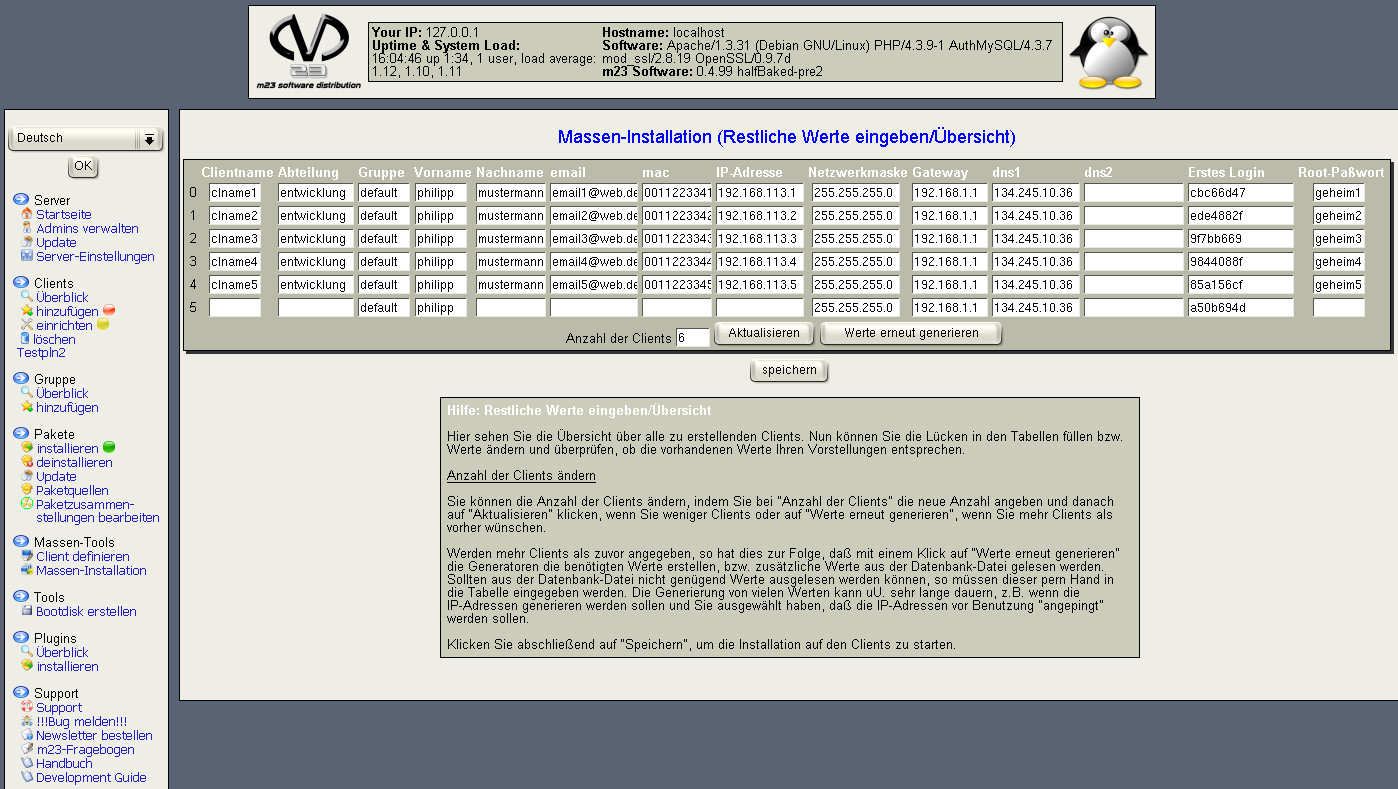
Click for a higher resolution version. You start your mass installation by defining a client, that hold the basic settings (partitioning, formating, the operating system and the packages to install). The settings are used as basis for the clients derived from this defined client. There are settings, that differ from client to client. E.g. the MAC address is individual for each client (You should talk with your network card dealer, if there are multiple cards with the same MAC address. ;-) ) There may be different types (keep the value from the defined client, enter or generate values) the to generate the individual values.
The entered values can be input by hand or read from a formated file. Other values can be generated by parameters. E.g. IP addresses in fixed ranges, that are not assigned to m23 clients or client names with a base name and incremental numbers at the end.
There are a lot of advantages, that can't be seen in the m23 administration interface. All partitioning and formating routines have been rewitten and are migrated to a new data format, that is capable for new demands. Another cause for changing the data format is, that I didn't understand the old by myself ;-) The update script on the server CD converts the partition data during the update progress.
The old partinfodb tool for reading the partitioning is replaced by the new m23hwscanner, that transfers the information SSL encrypted to the server. There are no direct write accesses over the network to thy MySQL database any more. 8-). genFstab is now integrated in m23hwscanner too.
SSL encryption should work now and secure the m23 administration interface and the communication btween client and server. A SSL certificate is now generated during the server installation.
And of course the general hundreds of error corretions and changes, that can't be mentioned here, because there is wonderful changelog.
The ISO for burning the server installation CD can be found HERE.
And now have fun while testing and remember, that this release is a development version. Please send bug reports, when you are finding bugs (that's what I'm worrying about :-( ).
Search
Give m23 your reference!
 Help m23 by giving us your reference!
Go to questionnaire >>
Help m23 by giving us your reference!
Go to questionnaire >> Download m23