Network Deployment for Linux
Nur einen Moment... / Just a moment...
Freie Software und Bürgerrechte benötigen Deine Aufmerksamkeit!
Handeln gegen Überwachungsstaat und Softwarepatente
Wenn Du auch in Zukunft in einem Staat leben möchtest, der nicht dem Überwachungsstaat aus "1984" gleicht, und/oder Du möchtest, dass weiterhin jede(r) Software entwickeln und vertreiben kann, gibt es verschiedene Möglichkeiten, sich zu engagieren. wir möchten Dir diese fünf Organisationen empfehlen:
Free software and civil rights need your help!
Act against police state and software patents
If you don't want to live in a state à la "1984" and you want that development and distribution of software should remain legal for everyone, then you have different possibilities to get into the act. We would like to recommend these five organisations:





I'm pleased to announce the availability of free tickets for the CeBIT ;-)
To get your personal free ticket, you need to enter your eMail and click on "Senden" at the German page m23.goos-habermann.de/CeBIT2010/ticket.php. You will receive an eMail with your personal code (this is the first link in the mail). But be quick, we have only a limited amount of free tickets.
PS. I hope that you will use your free ticket to visit us at the m23 booth (Hall 2, booth F34) ;-)
Have fun and maybe we will see at CeBIT!
The new m23 rock 10.1 is ready for download on time and before the CeBIT. Yes, you read it accurately. The new version is really named m23 rock 10.1. This version jump was made, because the 0.something numbers don't reflect the development time and the feature amount of m23 well enough. The next version numbers will be build with the year number and an during the year incremented numeric value. Of course there are lots of changes too, that justify this version jump ;-)
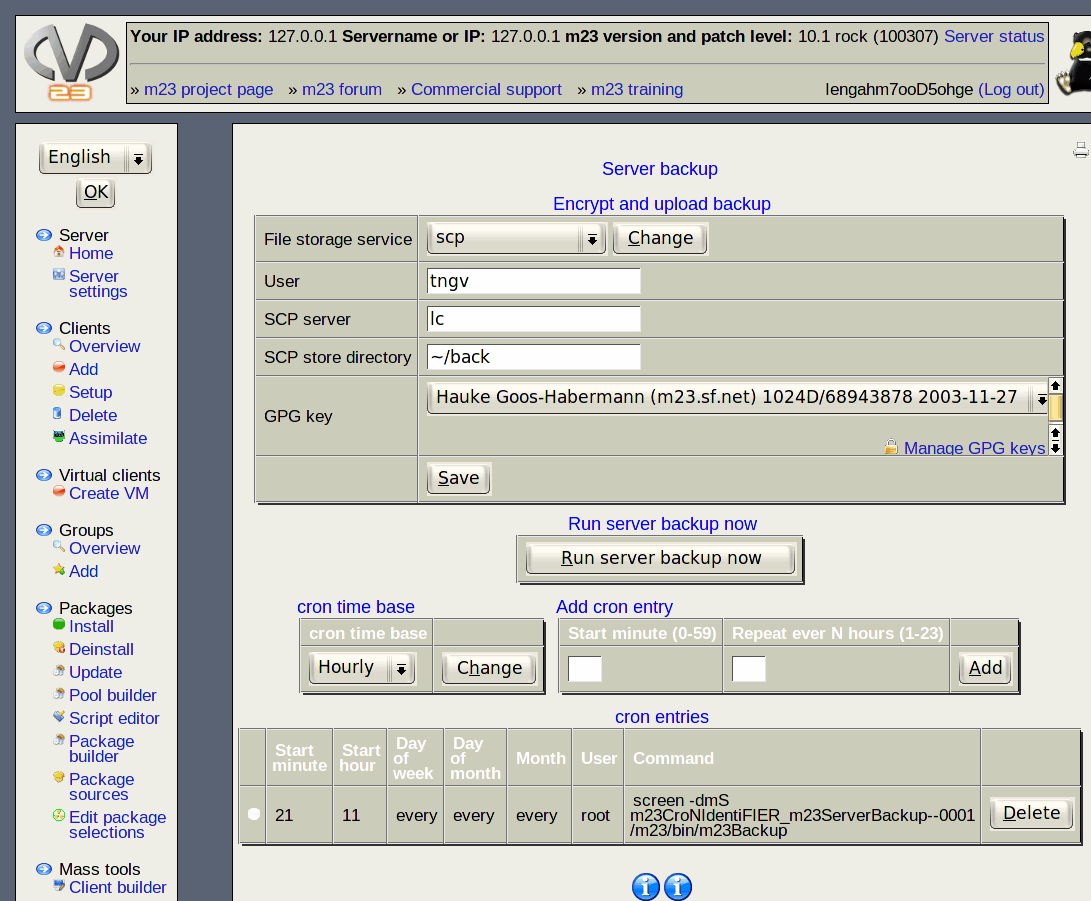
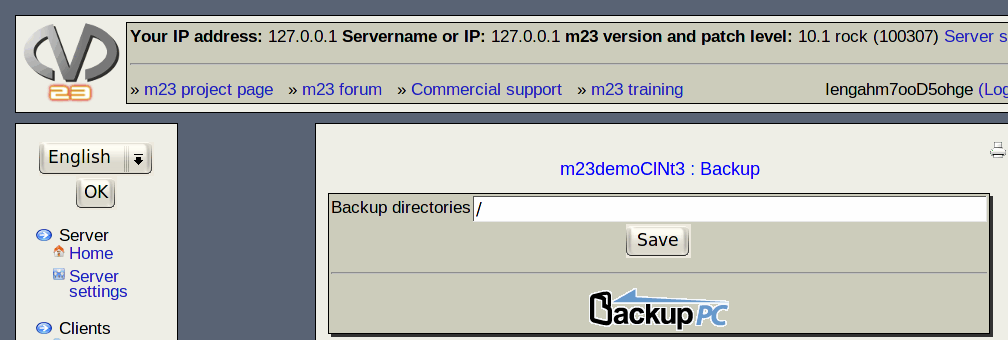
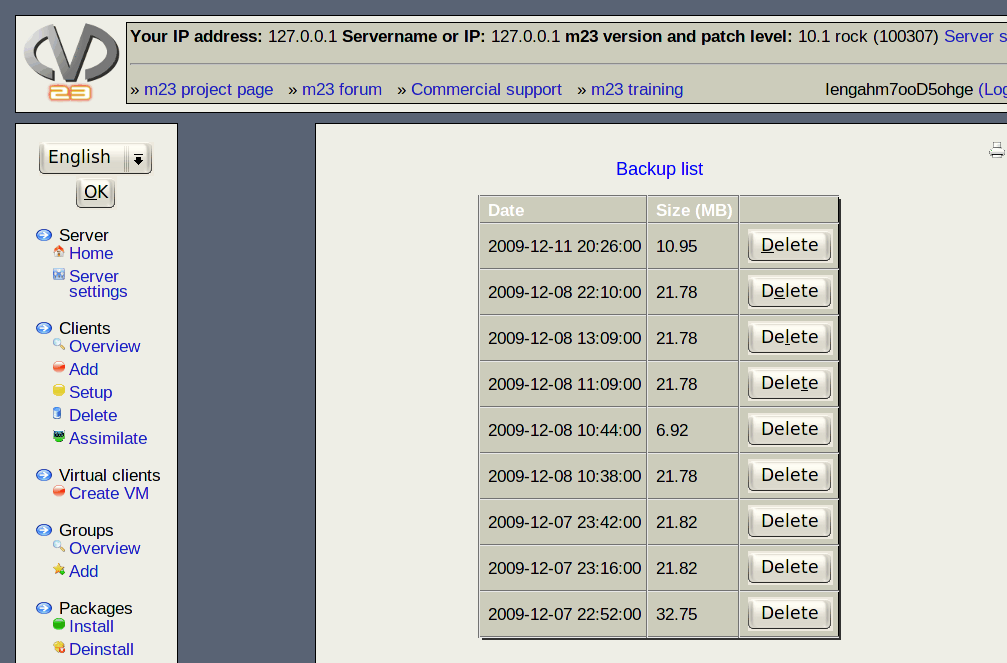
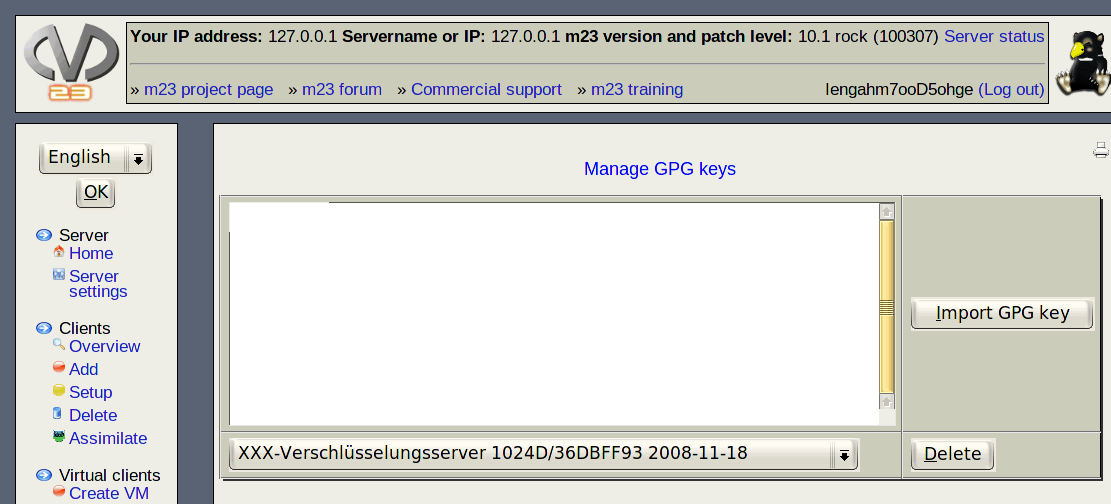
The new server backup stores all data at given points in time. The backups contain all to restore the whole m23 server functionality. Multiple points in time can be selected for this purpose. GPG encrypted backup files can be transfered to external servers automatically. A GPG key management was integrated into the m23 webinterface too. After a data fault the restore script will bring back an "empty" m23 server into a previously saved state. A short guide showing the restoring steps can be printed out directly from the m23 web interface.
A variables firewall makes sure that only safe values will be handed to the database. This should make SQL injection attacts impossible. I tried several times before activating the variable firewall, but I couldn't hack it. But maybe I'm not a qualified hacker ;-) m23 should be ever safer, because the PHP setting "register globals" is set to "off" now.
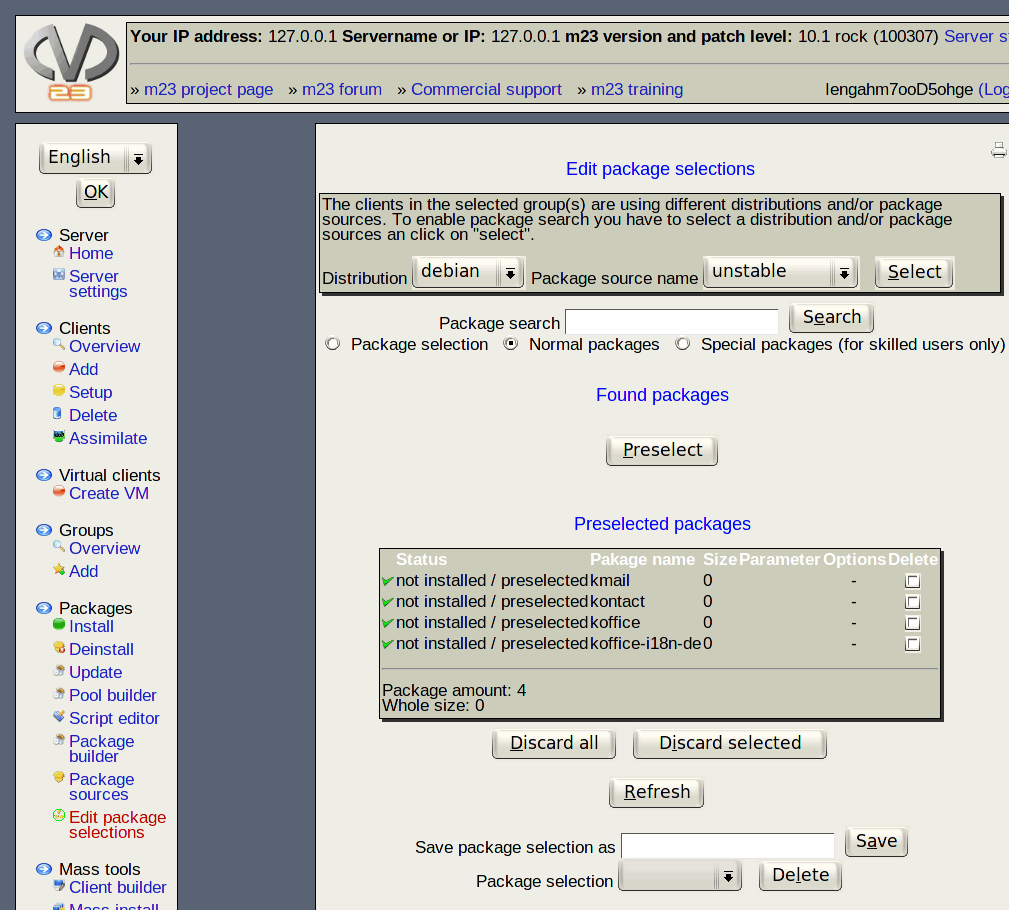
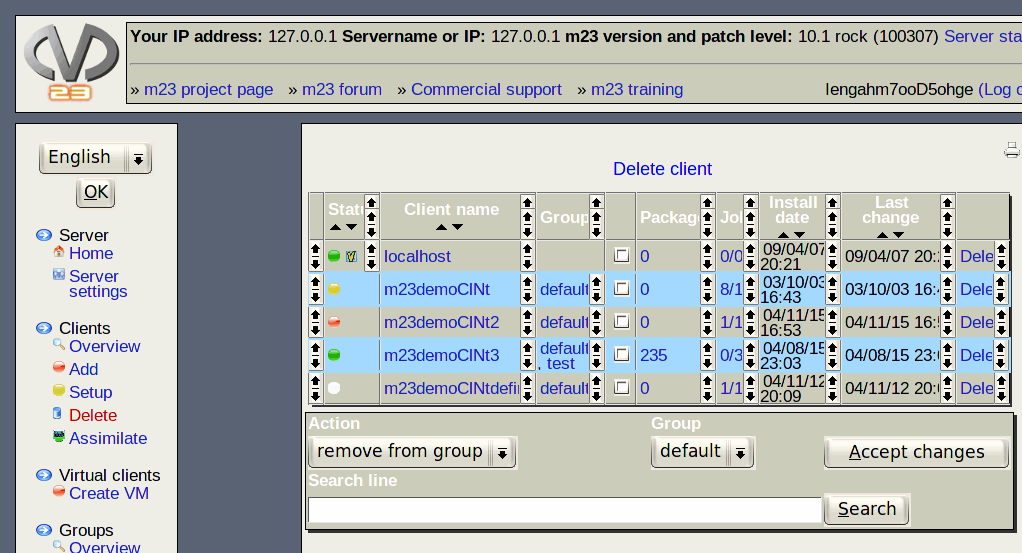
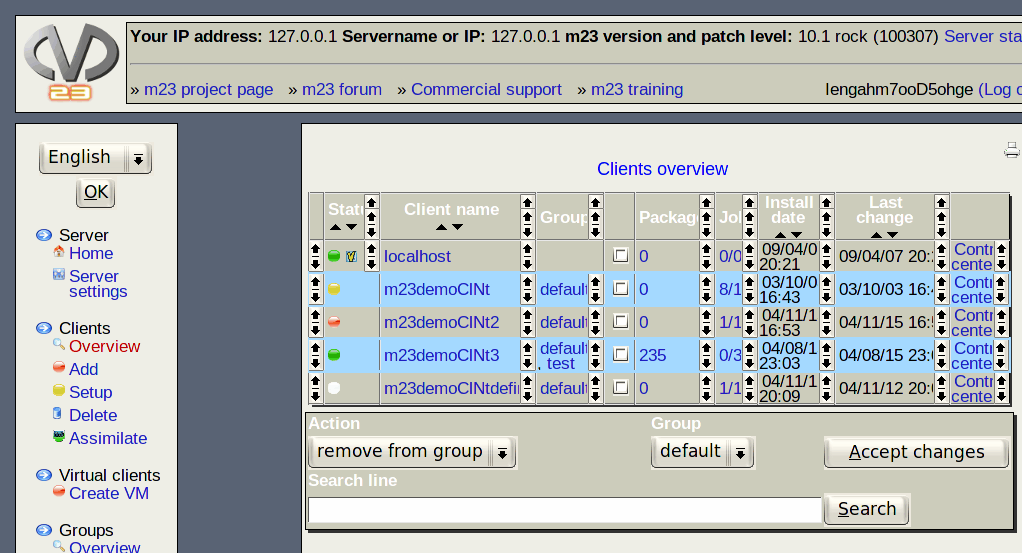
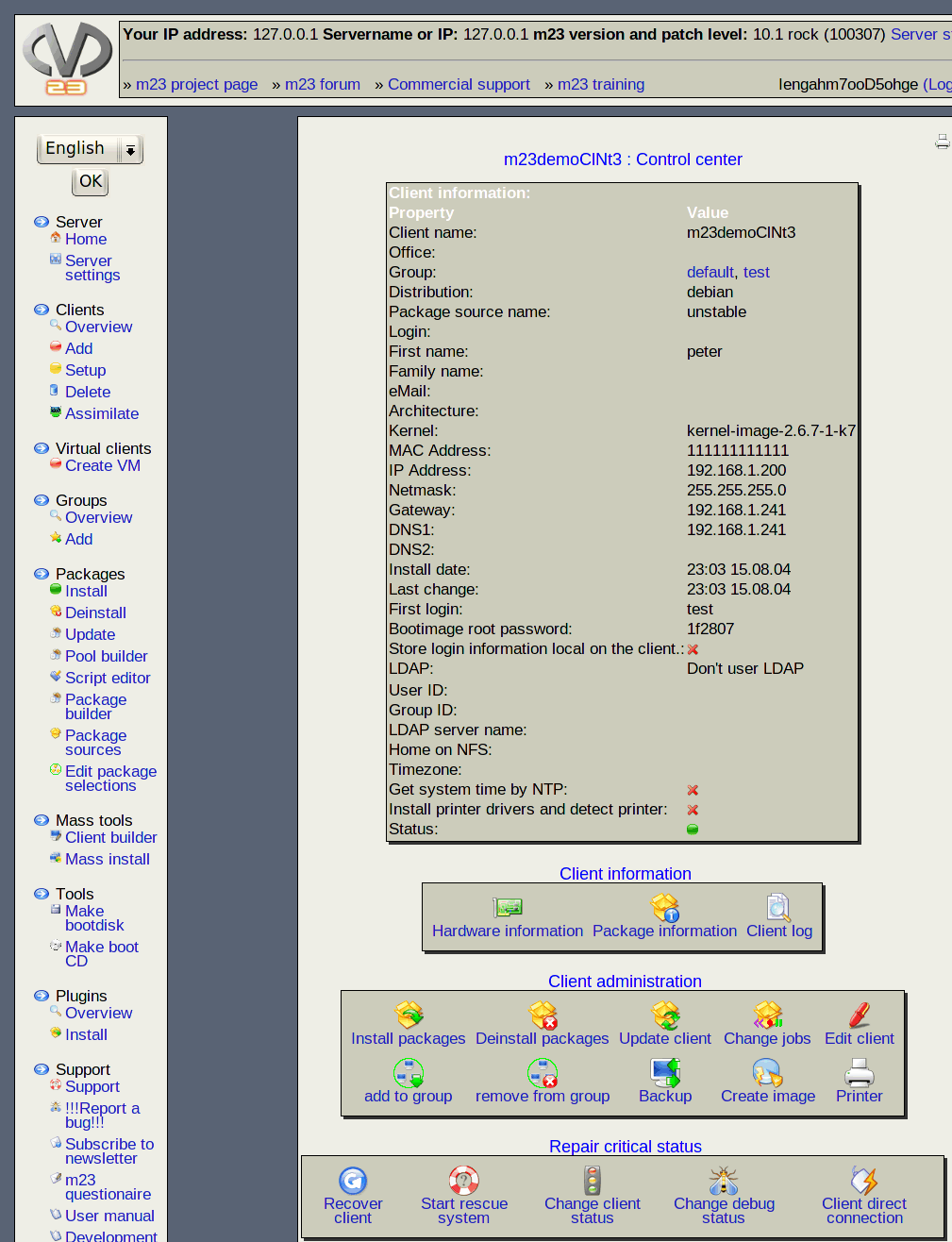
There are some visible improvements too. Tables are in 3D look, the arrows for sorting entries in the client overview were replaced by graphics (some browsers don't support arrow symbols), a printer icon for printing out the current page is on top of every page now, grub is the standard boot loader and wget messages are shown only, if the client is in debug mode. The adiminstrator now gets an overview about the components thate will be installed after choosing the base system. The user name of the current adminisrator is visible in the webinterface and there was added a logout button. Some unneeded information was removed from the status bar and the remaining elements were revised.
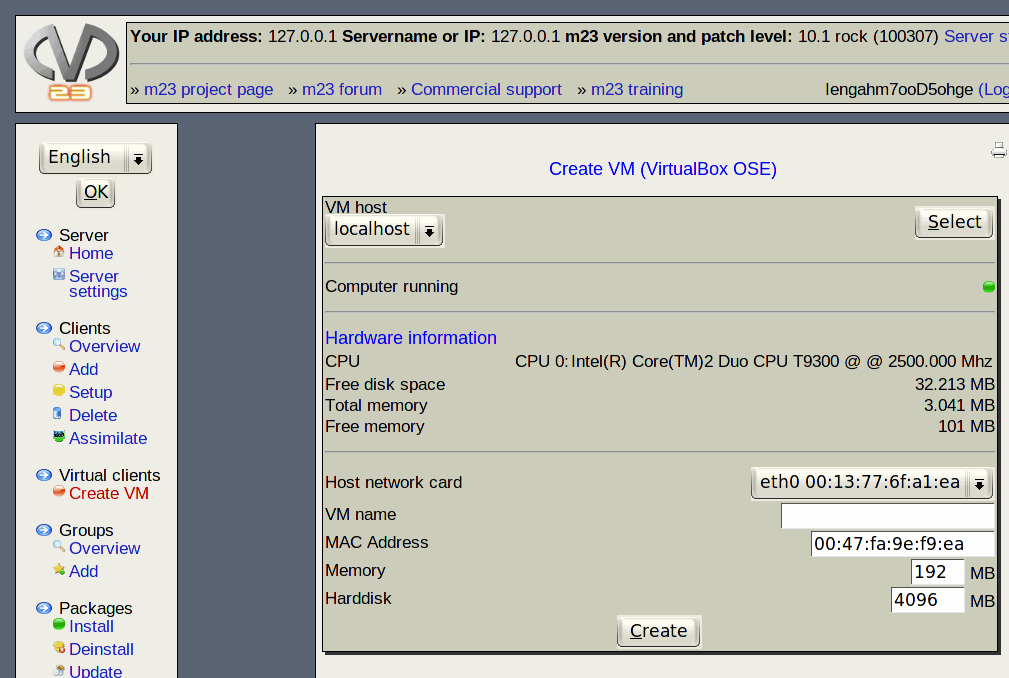
 Users of m23 clients in VirtualBox will like the installation and setup of the guest addon, if there is an addon package for the used Linux kernel. If you are running clients in VirtualBox or VMWare, the existing optimised graphic drivers will be used for accessing the virtual graphic card. The possibility to re-use existing VirtualBox harddisk files in virtual m23 clients was added too.
It will be possible to install and manage m23 clients with dynamic IP addresses in the future. Lots of functions were adjusted to make it possible and the creation of special client boot ISOs was added. Dynamic m23 clients will ask the m23 server every five minutes for new jobs, because the m23 server may not allways know the correct IP of the m23 client.
Some optimisations were added to the file transfer from the client to the server. So only differences will be transfered and the data stream is compressed now.
A KDE 4 user profile, that pre-configures the KDE 4 desktop, was added.
m23 was revised "under the surface" too: The never used CVS diretories are gone now and message functions don't need the language parameter any more. Some complete dialogs were rewritten with the new HTML functions.
The Linux kernel of the boot media for client and server was updated to version 2.6.32.8.
And of course there are lots of corrections that fix inconsistencies and errors (e.g the DHCP warner should work now in all conditions and the reactivated listing of the complete client hardware).
The new m23 release is available - as usual - from the m23 community page (m23.sf.net) in the menu bar under "Downloads". You can get m23 as server installation ISO image or as preinstalled VirtualBox image. Existing m23 servers can be updated via APT or the m23 webinterface.
Have fun!
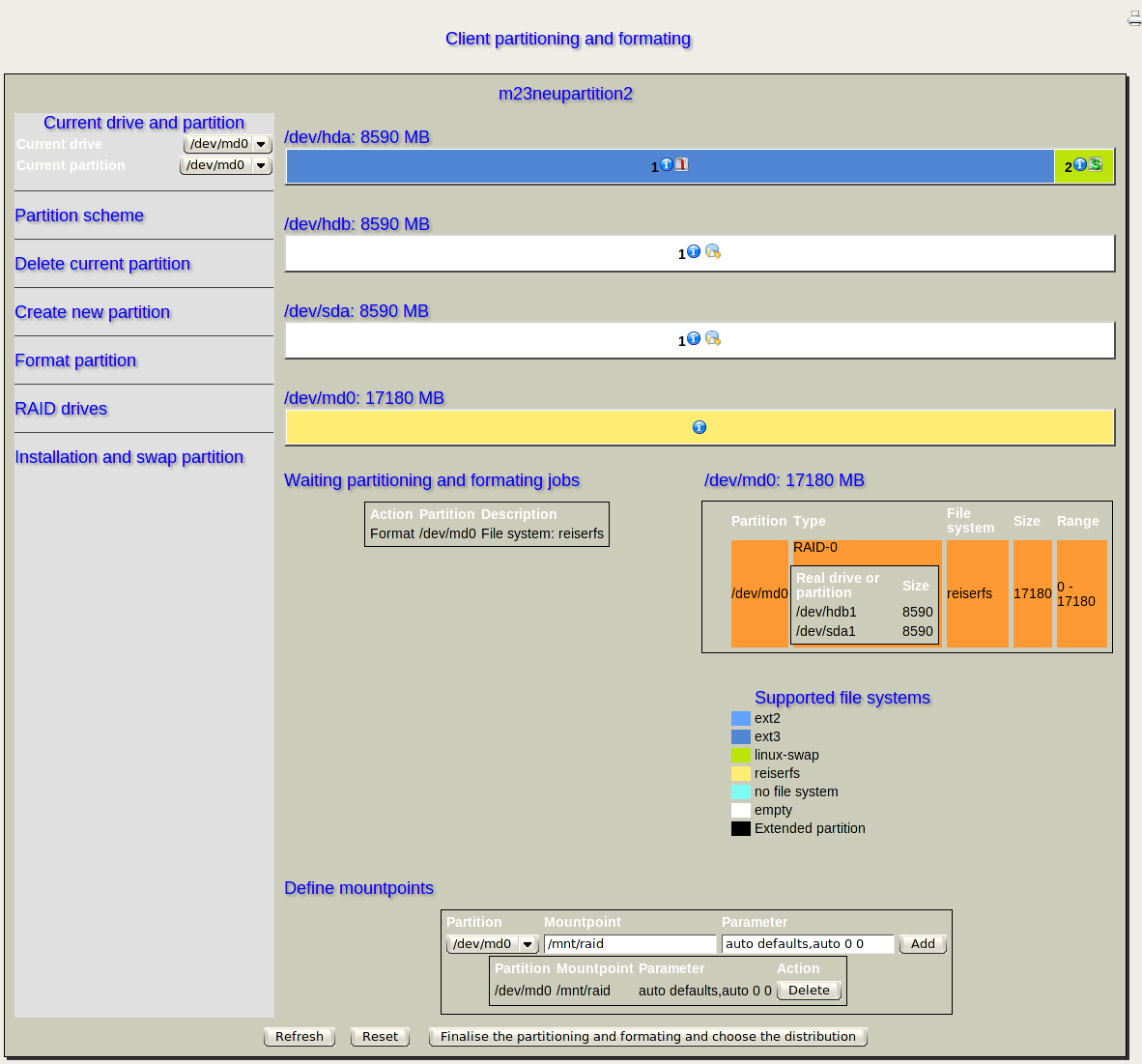
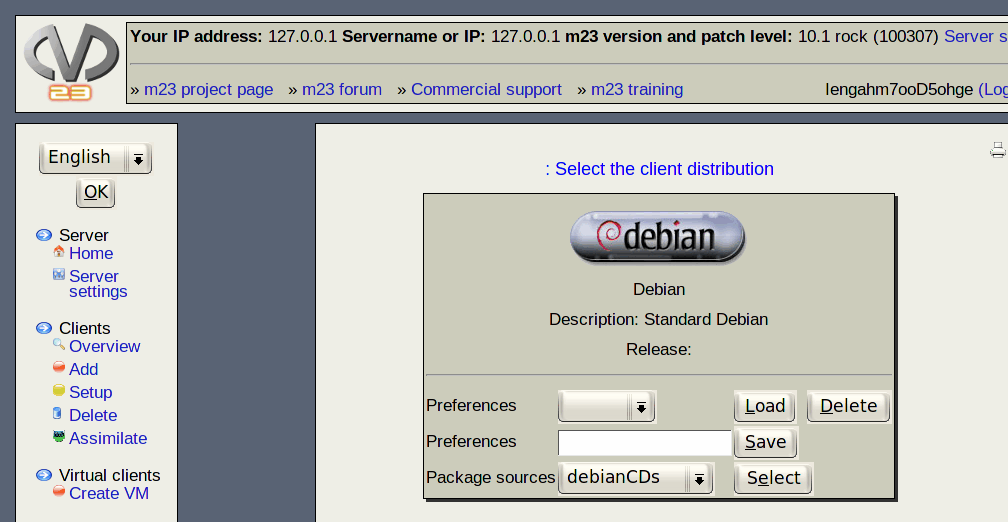
Installation of the base system
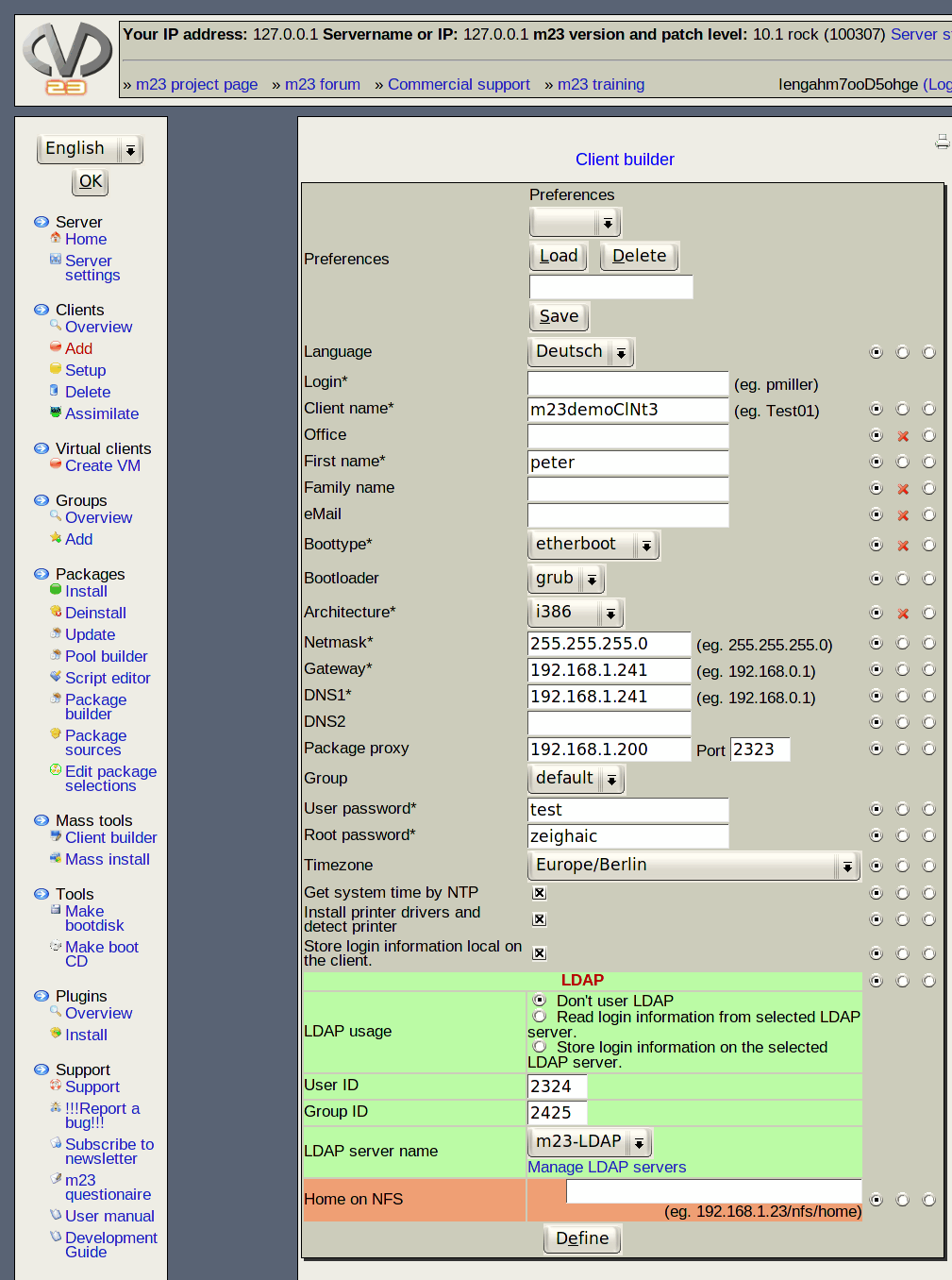
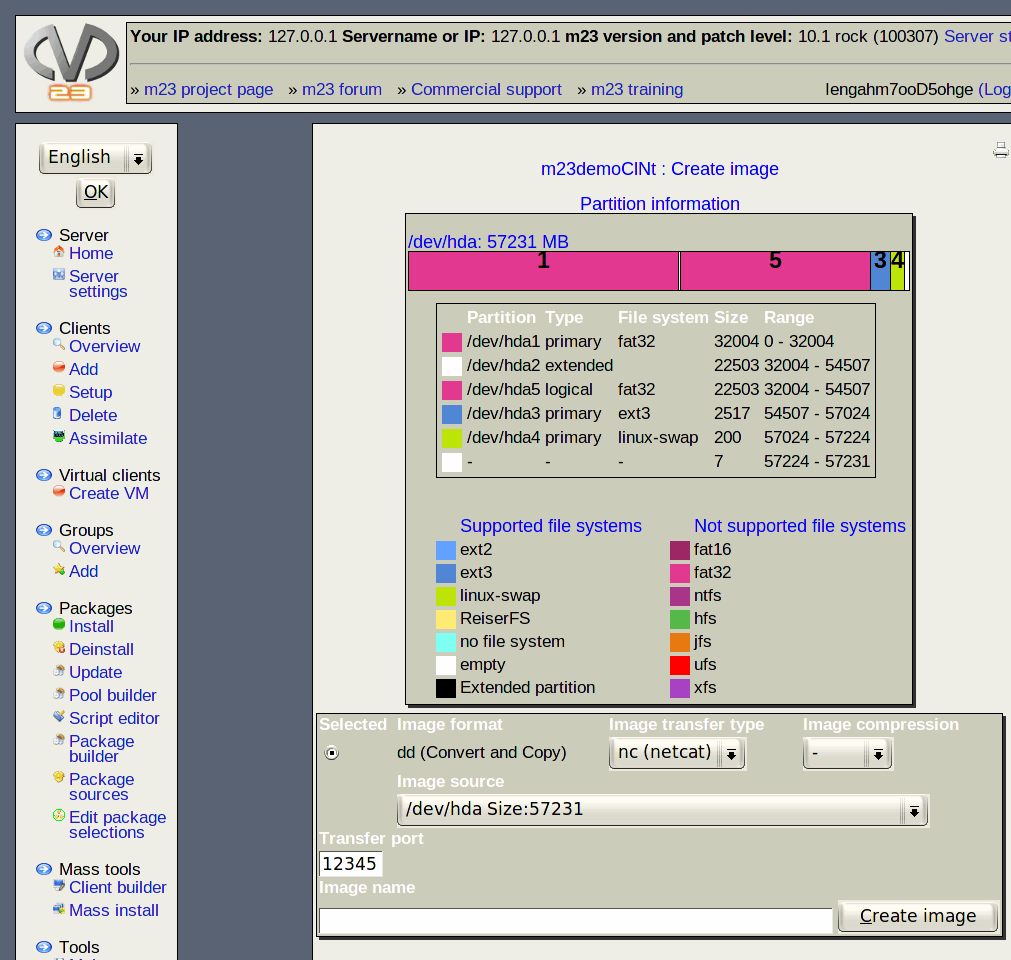
Imaging and integration of existing clients
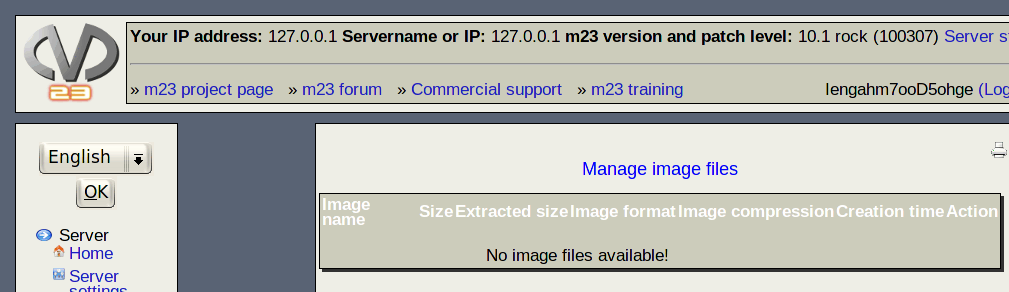

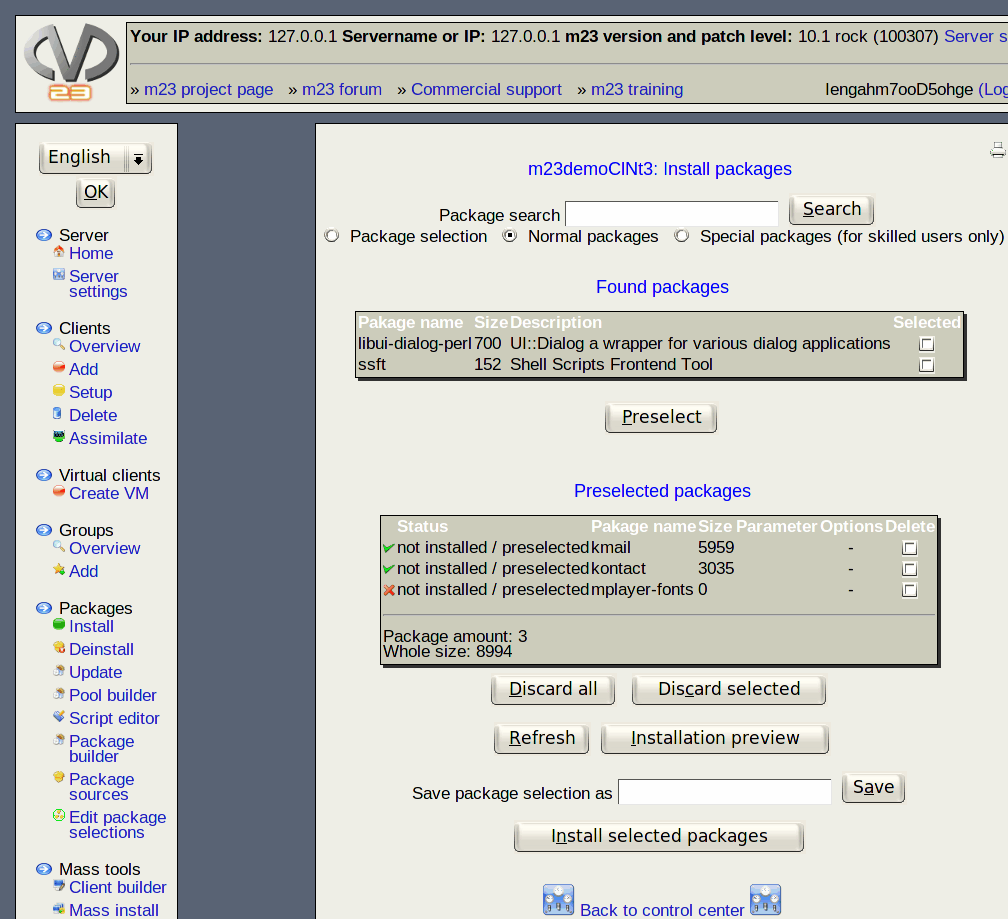
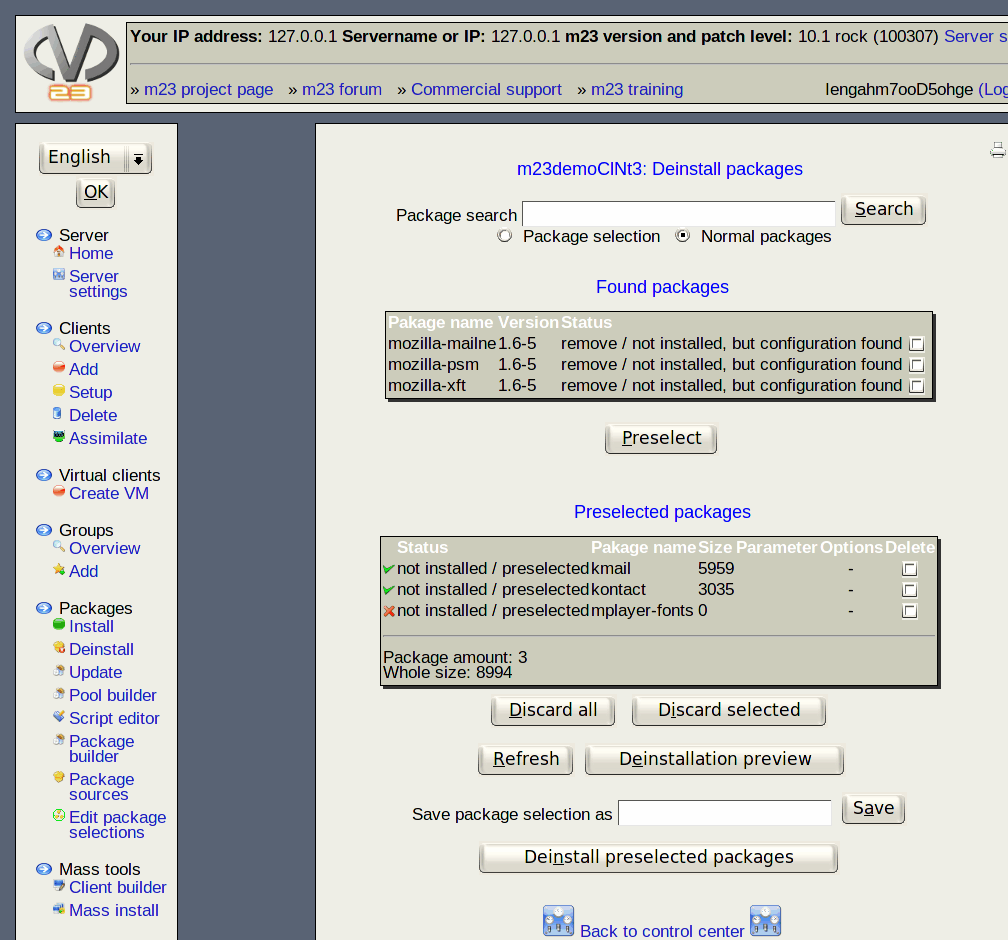
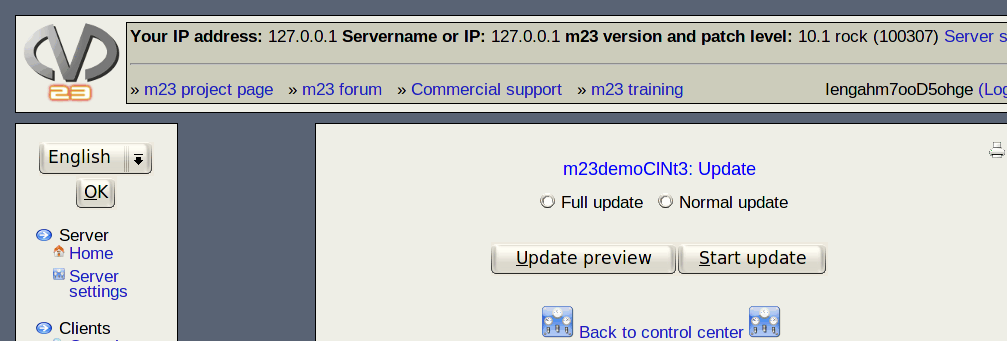
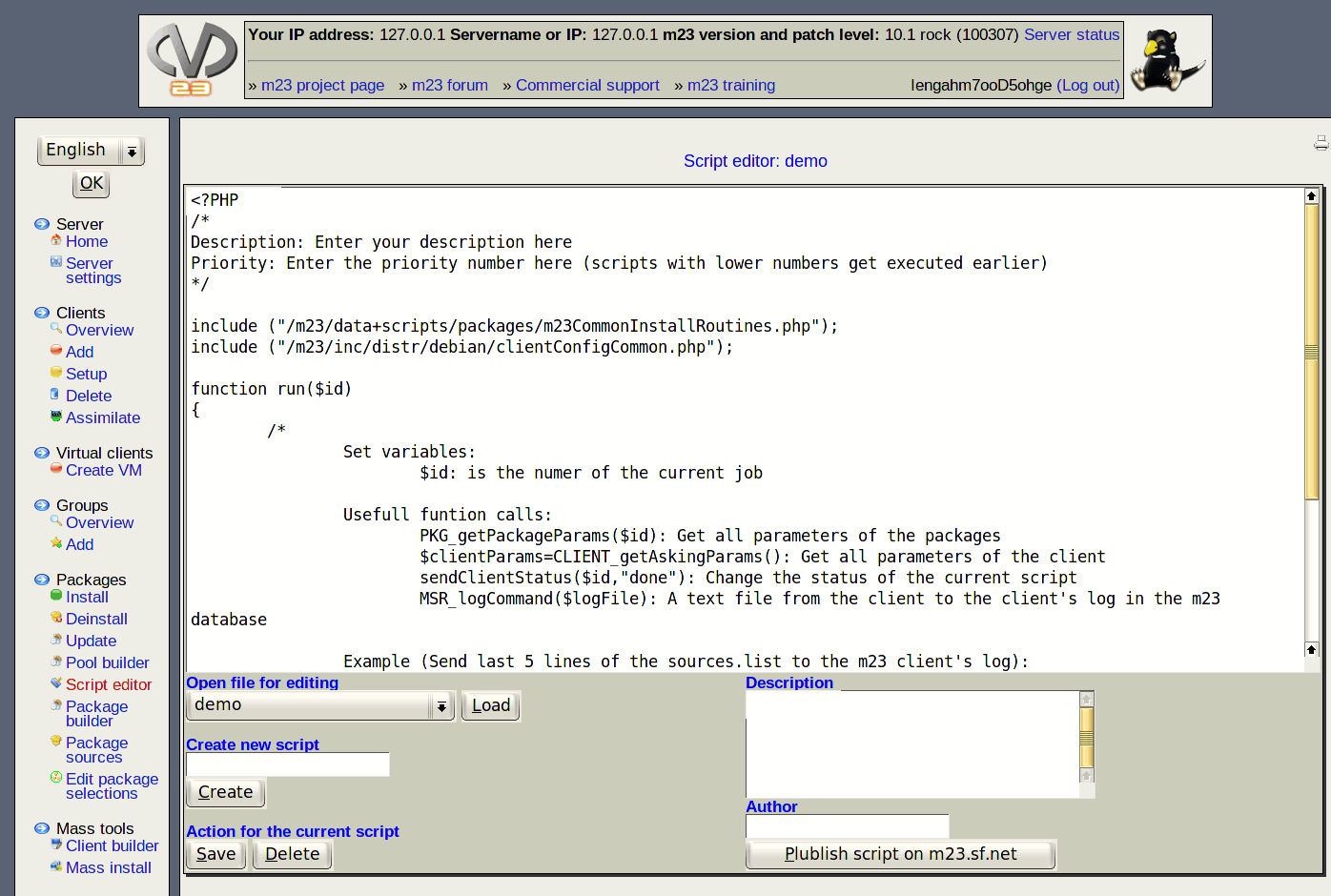
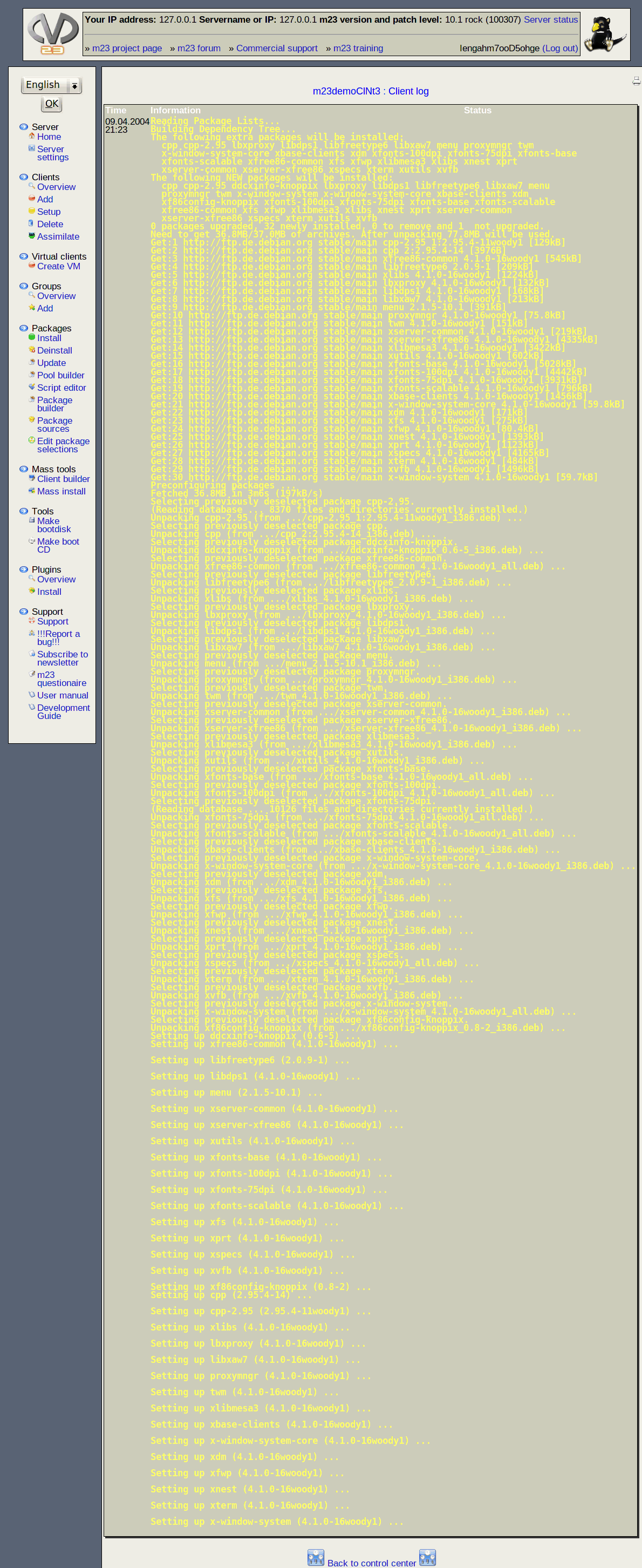
(De)Installation and updating of software
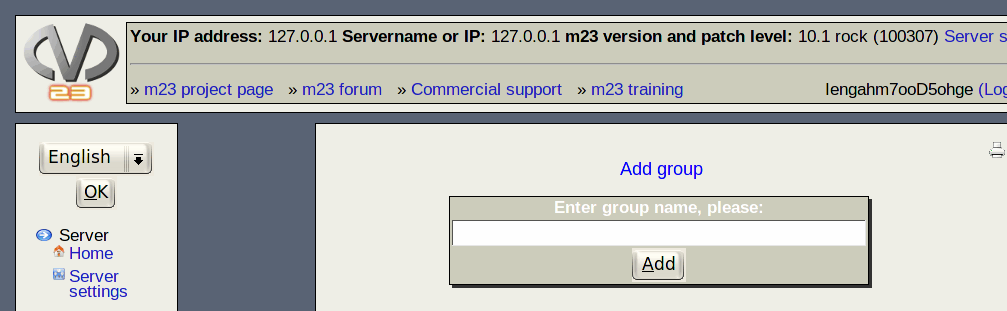
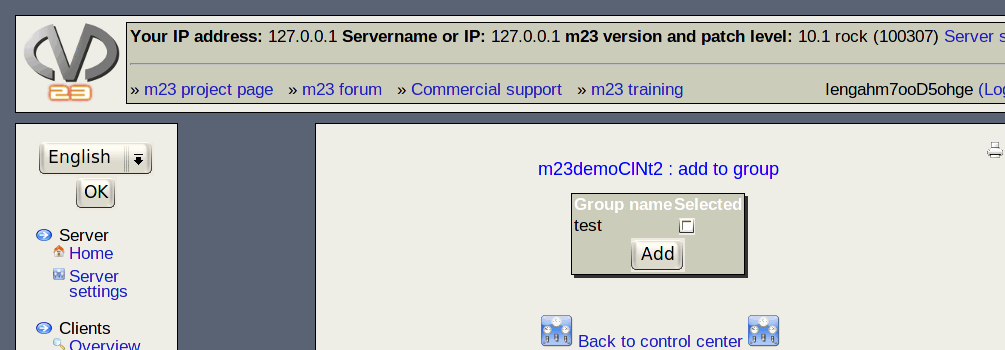
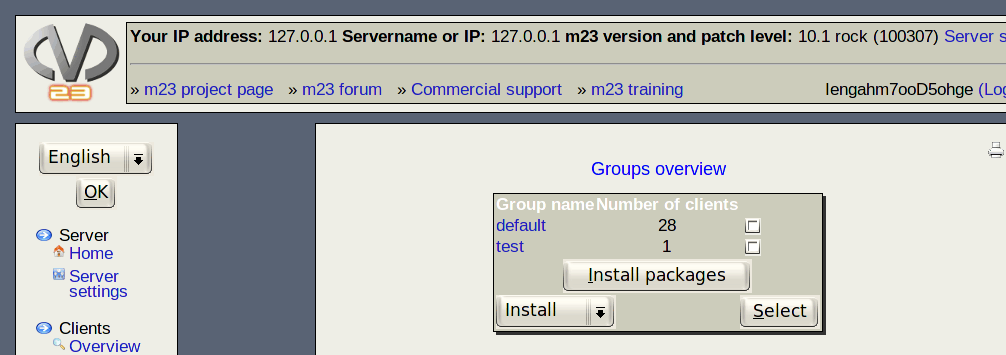
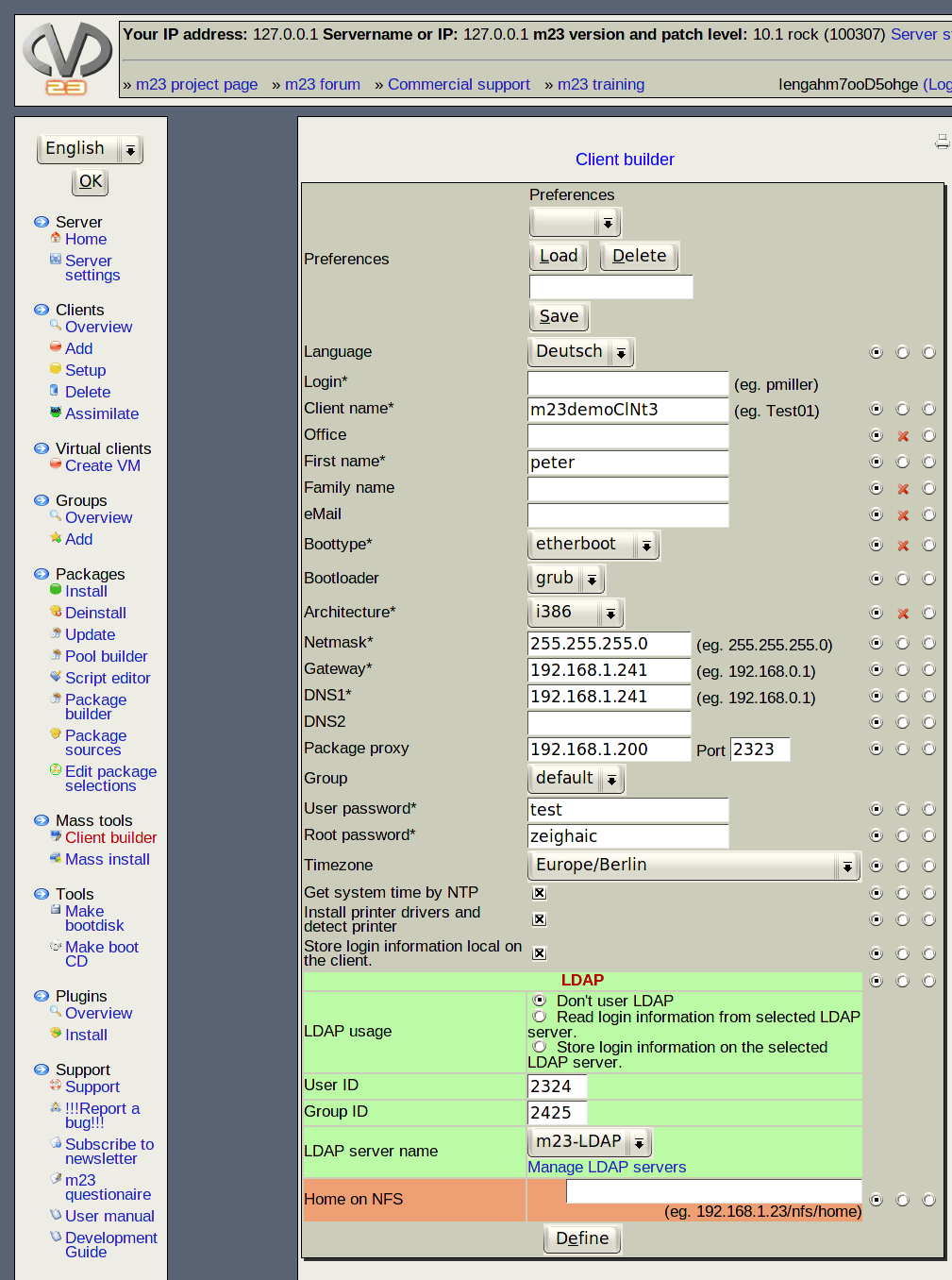
Group functions and mass tools
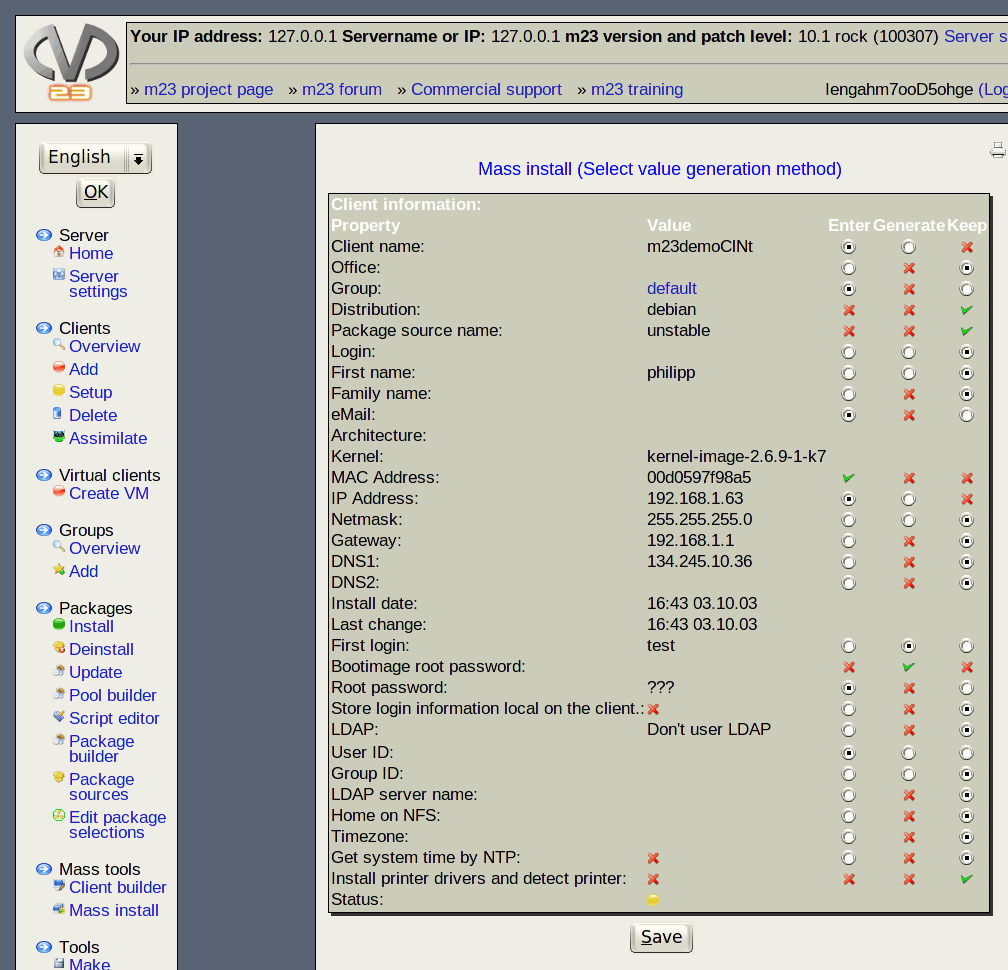
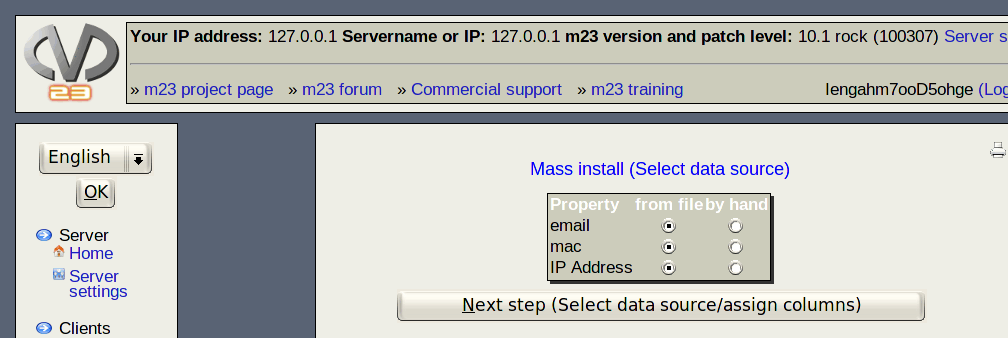
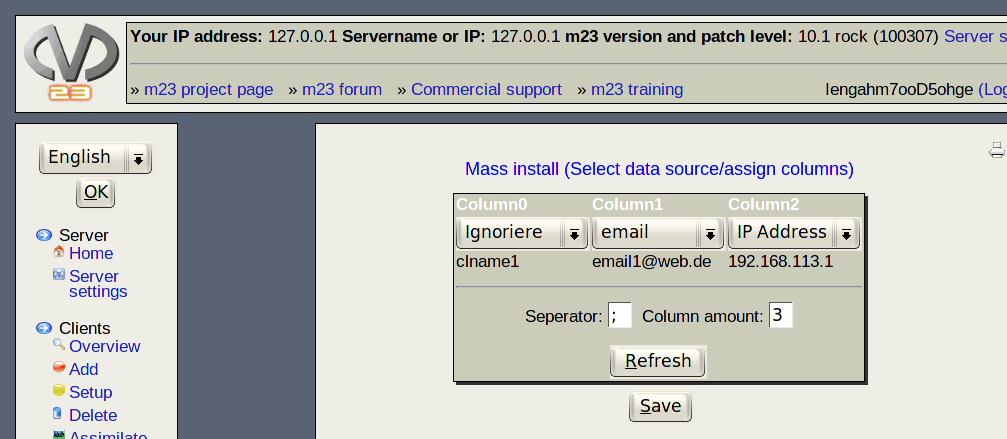
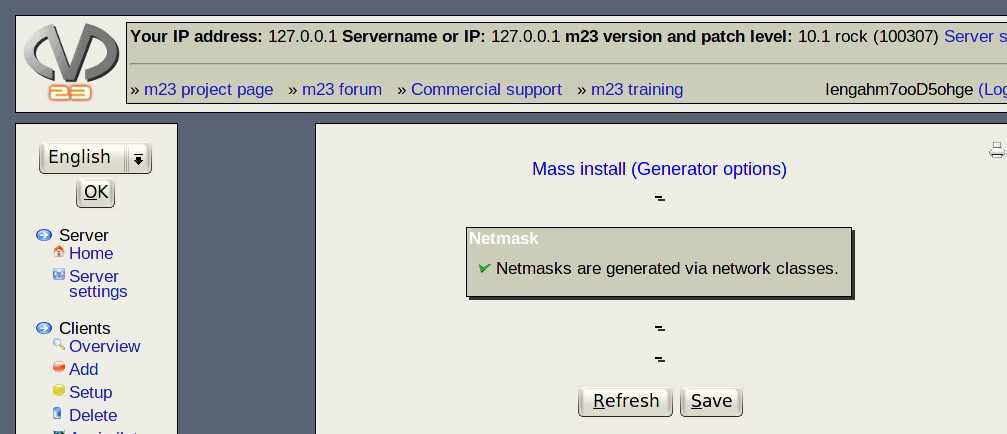

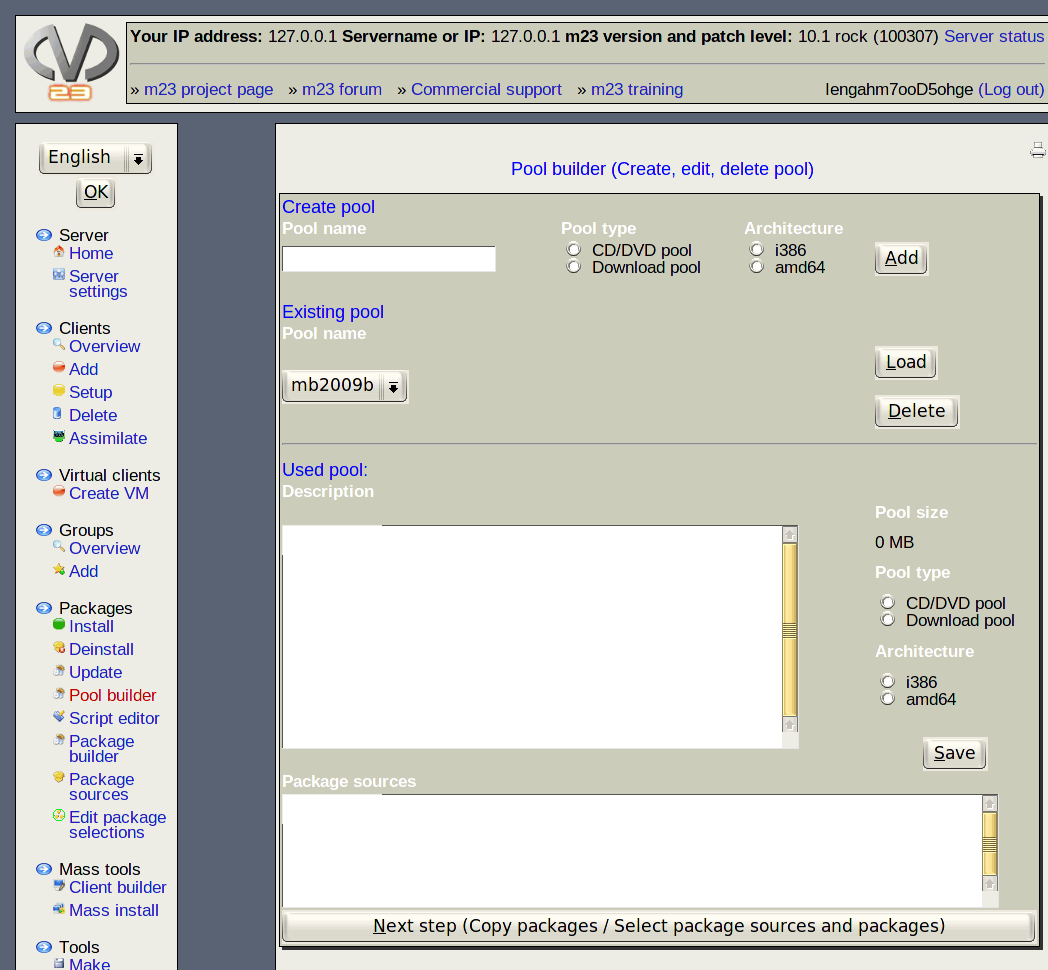
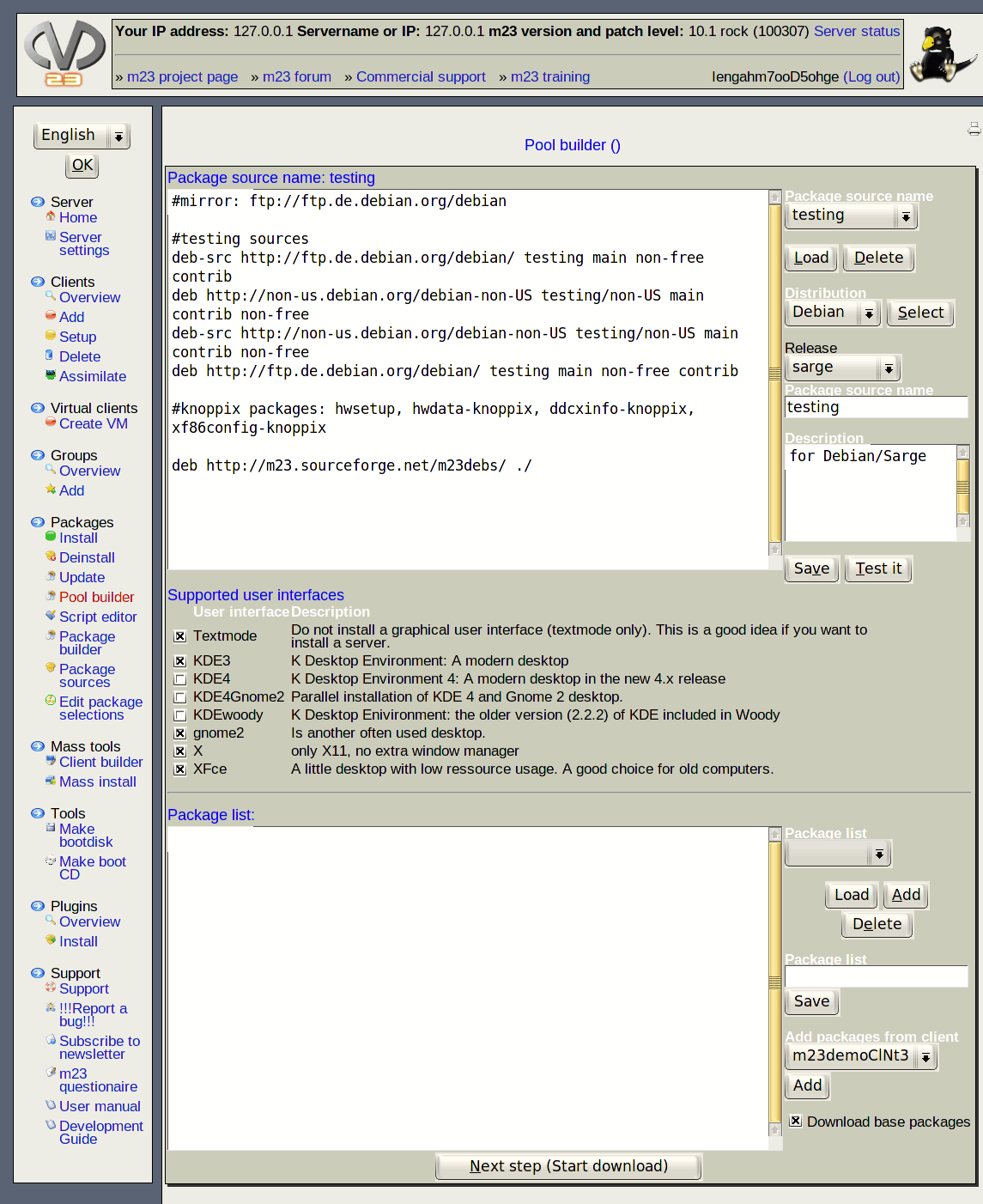
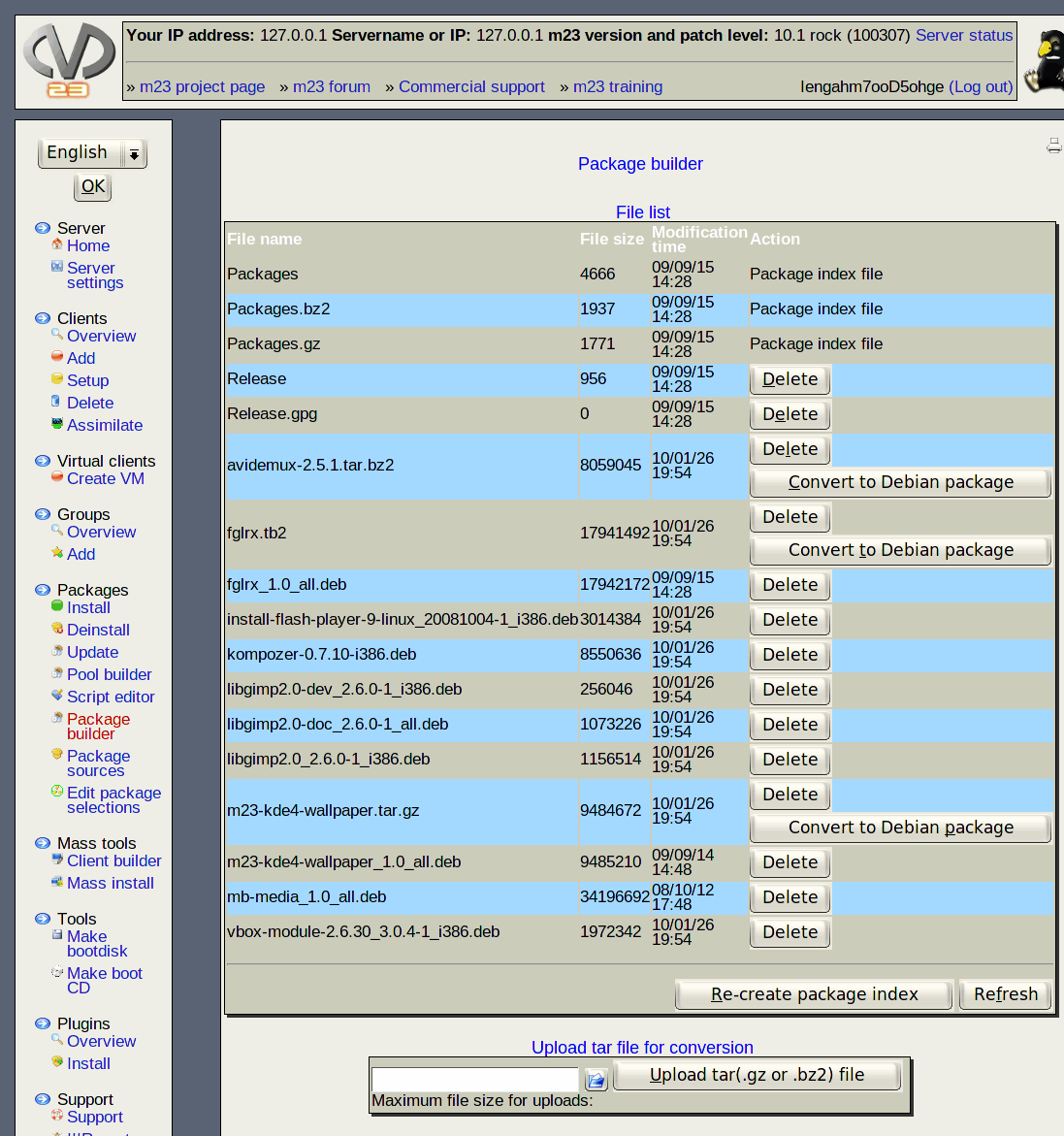
Packages, Packagesources and Packageselections

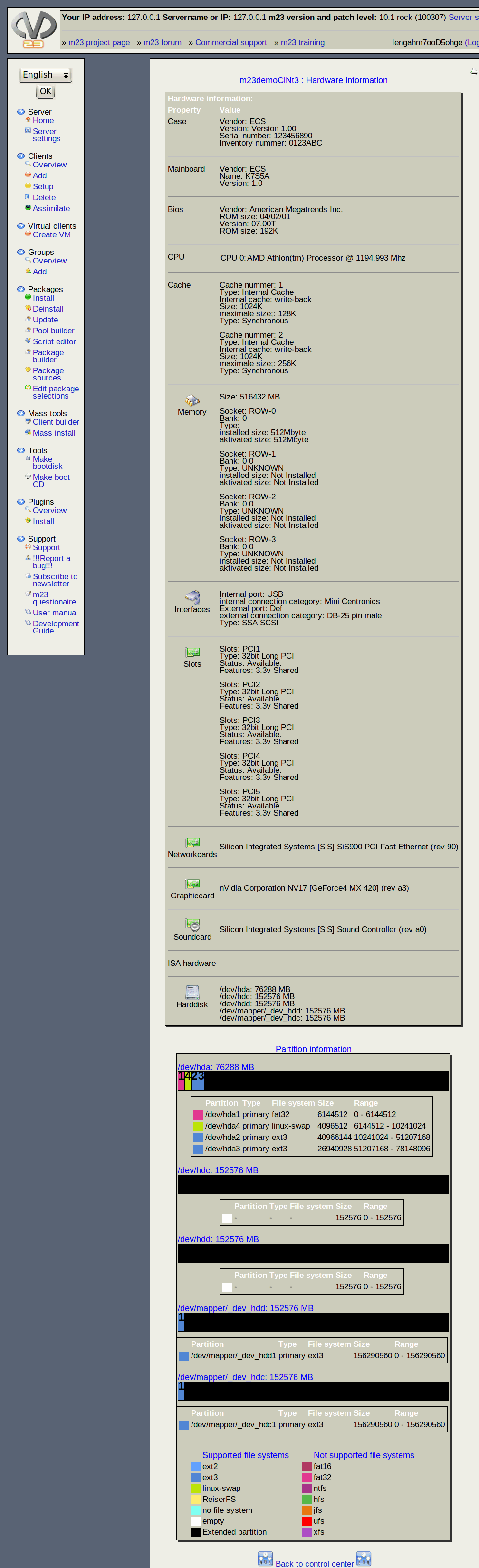
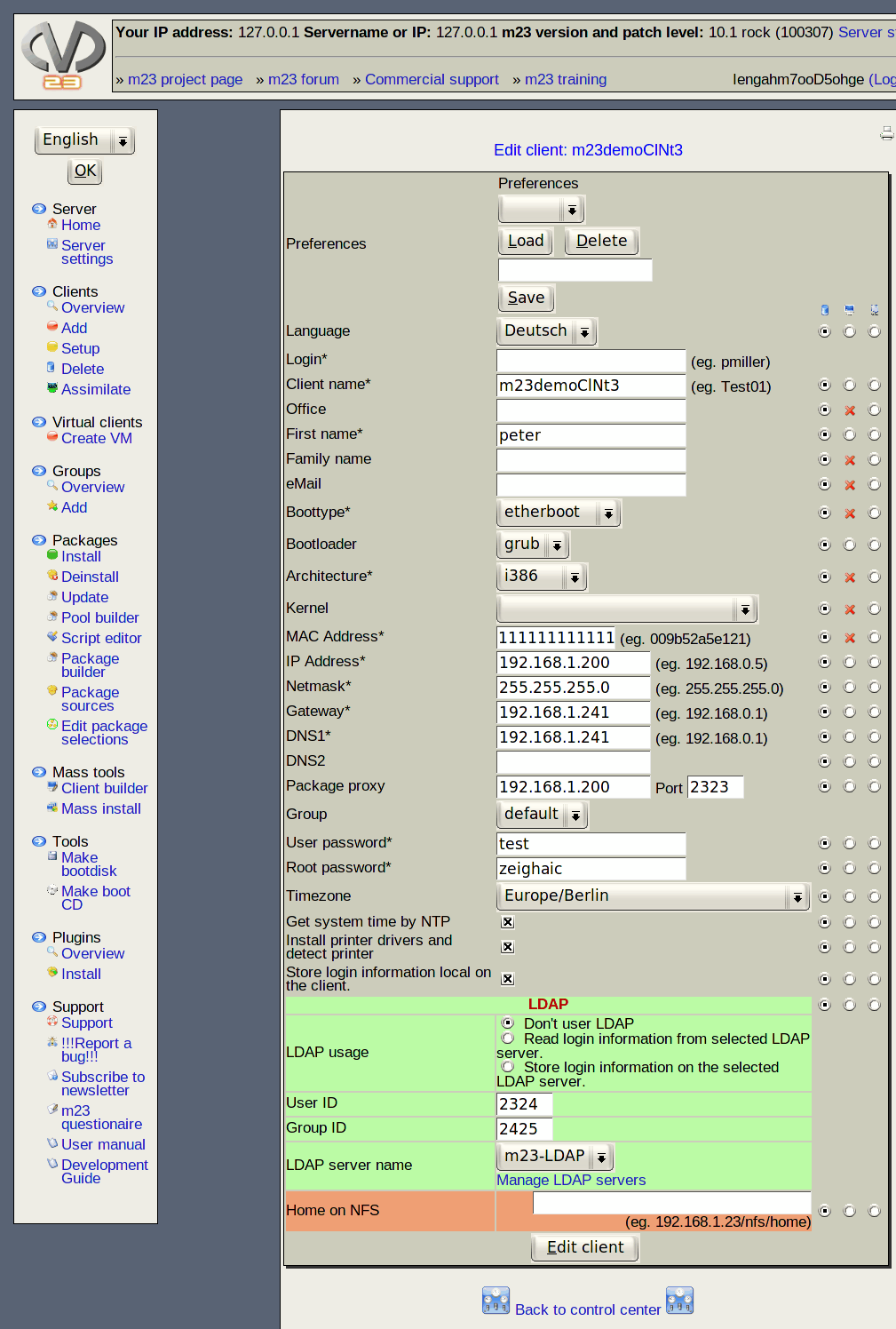
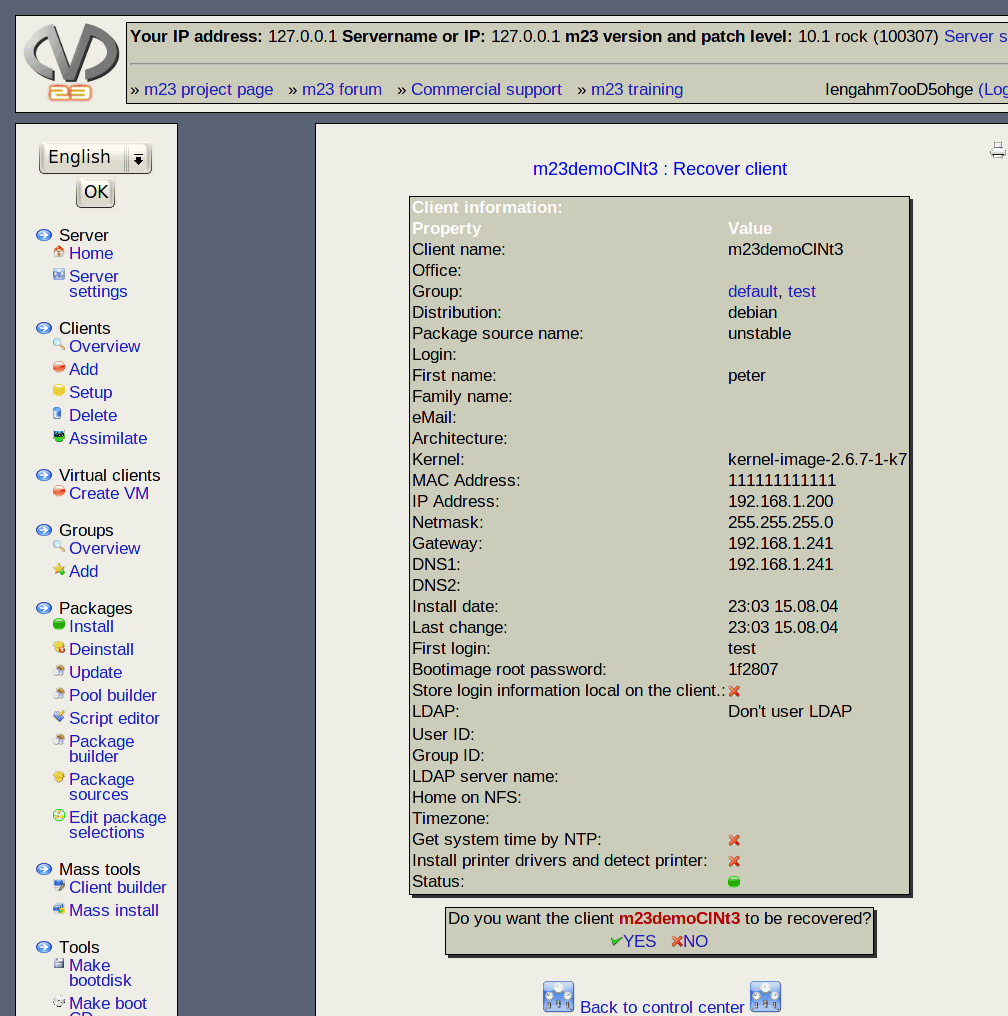
Client management and client information

Backup and restore of client and server
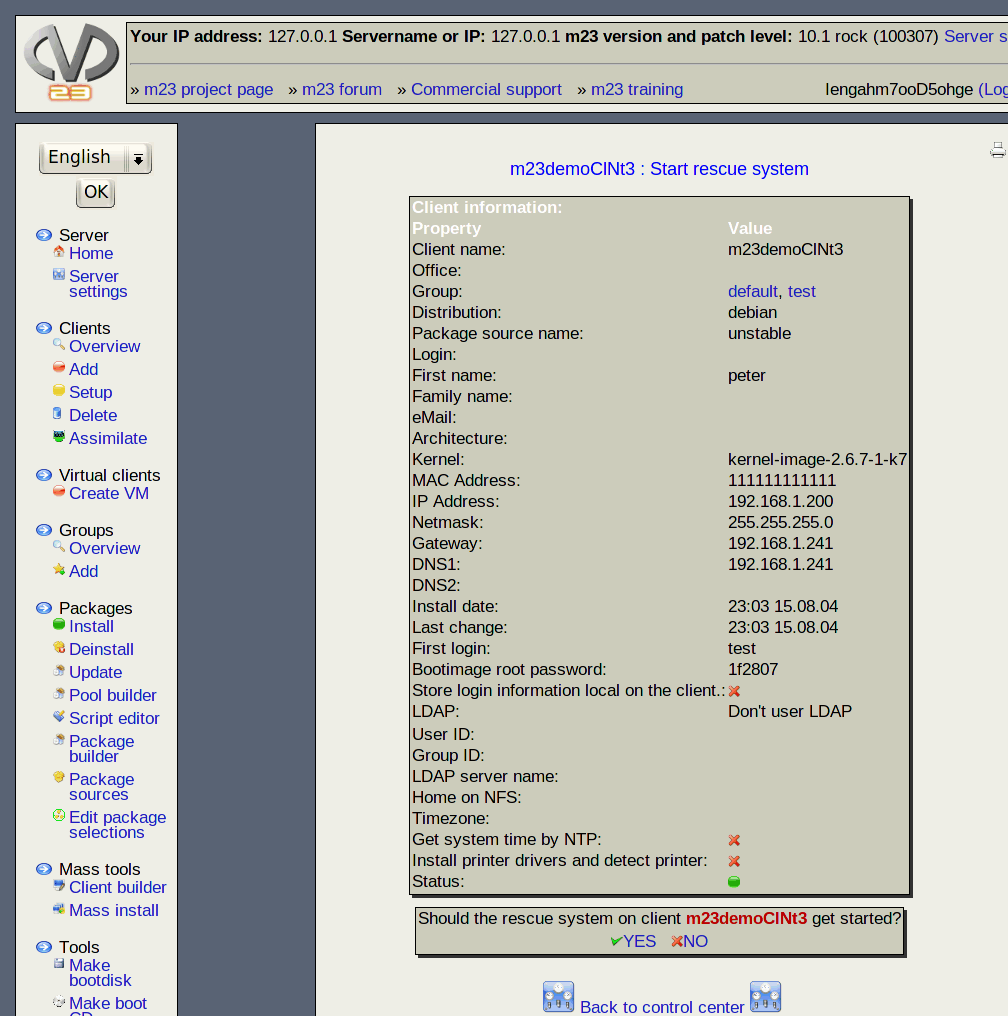
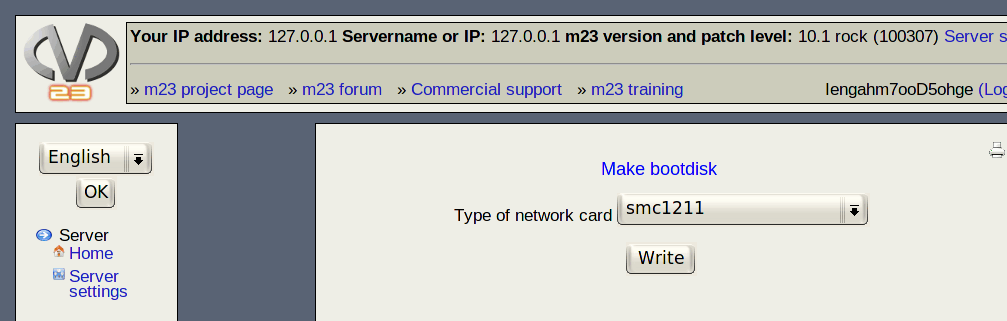
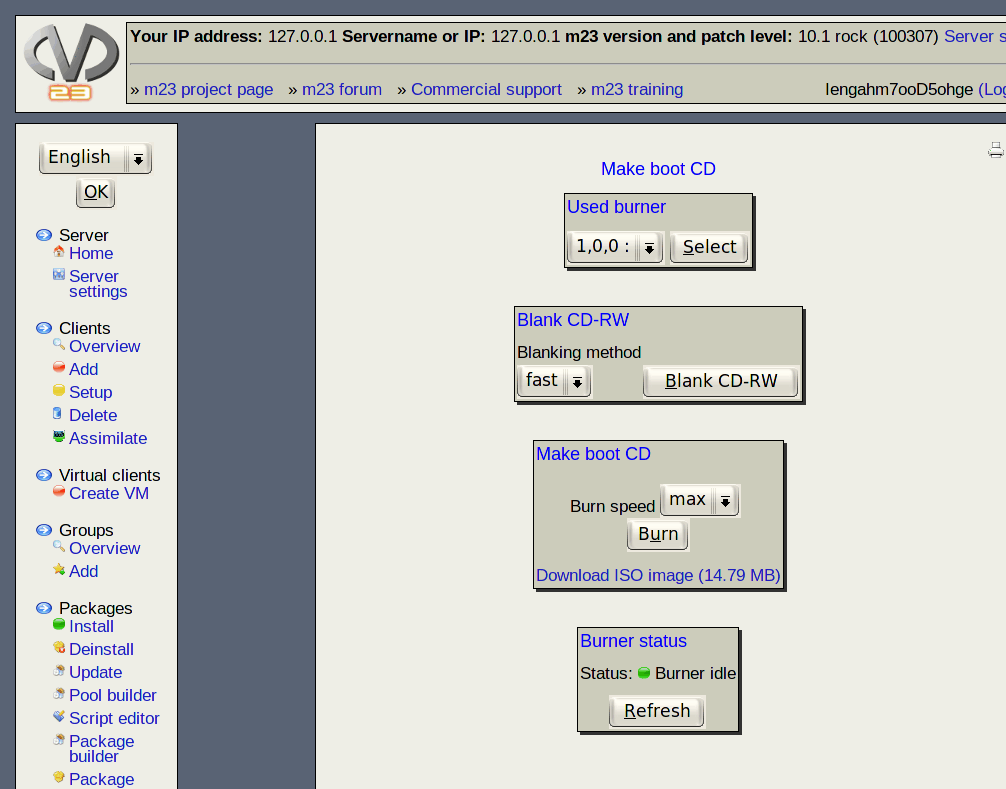
Create client boot media

I would like to imform you about some news about the m23 presentation at the CeBIT. Sometimes it is hard to find one's way at a fair big like the CeBIT. So here follows the exact position of the "CeBIT Open Source project lounge":
Hall 2, booth F34
At the area will be 14 other projects (among m23), that will present their work on smaler boothes. You should emboss the logo at the left to find m23 there, because this logo will be sticked on the m23 booth ;-)
The list of all projects including the project questionnaires can be found at the pages of the Linux-Magazin. Of course I filled out the questionnaire for m23 and you can read my answers here.
Maybe there will be an m23 speech at the CeBIT Open Source Forum too. "Maybe" because the planning has not been finished. For a period there was an m23 speech in the list, but now there isn't. So lets see what will happen next ;-) There will be a live stream of all speeches and an archive afterwards. So I will have the opportunity to watch some of the interesting speeches.
I just got the information that all projects will get some free tickets to give away to interested visitors. Till now I don't know exactly how to get these tickets, but I think that all will be o.k. in time ;-)
And of course I don't want to hoard these tickets and use them to decorate my room ;-) To get a free CeBIT ticket write me a mail with the subject "free CeBIT ticket". To improve your chances of getting a ticket, you should write why you would like to visit the m23 booth so much. I will write back, when it is time and I have tickets left.
Have fun and maybe we will meet in Hannover!

As you can see, you cannot see anything, if you visit the pages of CeBiT and Linux-Magazin. There are no futher information about the projects that have boothes at the "Open Source Project Lounge". I'm eager for seeing the other projects, that will be present, as I have no idea as well.
And I was not idle in the meantime and made some preparations. Most of the day I'm working on the forthcoming m23 version with high pressure, that should be finished until the CeBiT. The new release will be available as download (as usual) and you will have the possibillity to catch an m23 server installation CD (as long as I have one) at the m23 booth in hall 2.
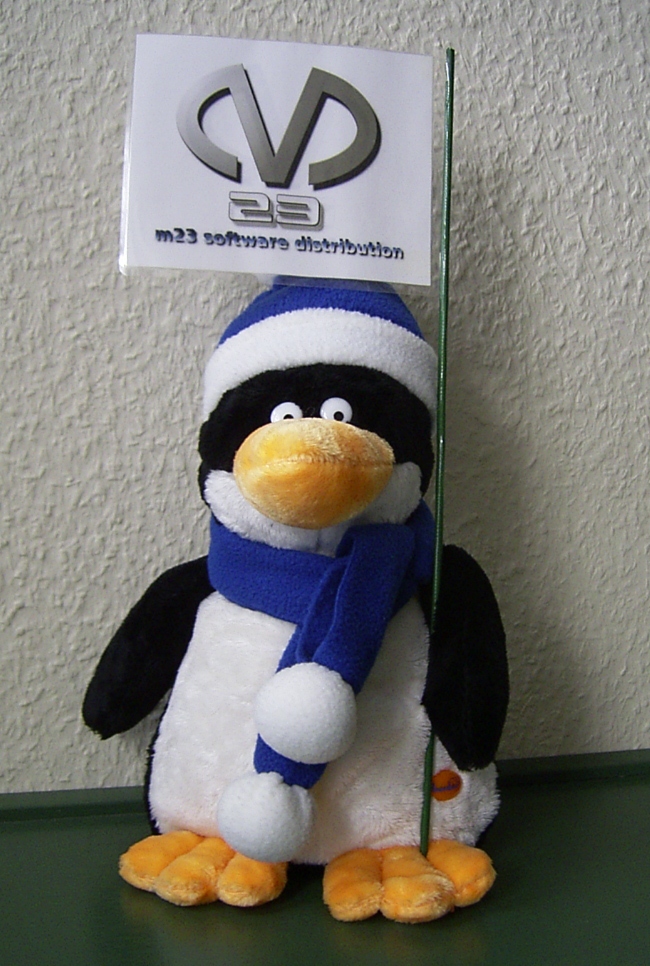
Among these serious things, I prepared a penguin with m23 flag (you can admire it on the left), that will guard the booth.
Have fun and maybe we will meet at Hannover!
Search
Give m23 your reference!
 Help m23 by giving us your reference!
Go to questionnaire >>
Help m23 by giving us your reference!
Go to questionnaire >> Download m23